
Your phone is probably the most used device you own. A few small habits keep it fast, safe and up to date. This Android iPhone guide collects the Techchahiye articles on Android and iPhone, and adds a simple monthly checklist that works on almost any phone.
Start Here: Our Android and iPhone Guides
- Why You Must Install the iOS 18.6 Update: 24 Security Flaws Fixed: why updates matter.
- iOS 18.5 Now Available: New Wallpaper, Mail Updates and More: what that update brought.
- How to Hide the Period and Comma Keys in Gboard for Android: a keyboard tweak.
- How to Translate Text Offline with Google Lens for Android: translate without internet.
- How to Increase Battery Life of Android Phones: the pro guide.
Your Monthly Phone Checklist
- Update: install system and app updates. They fix security problems.
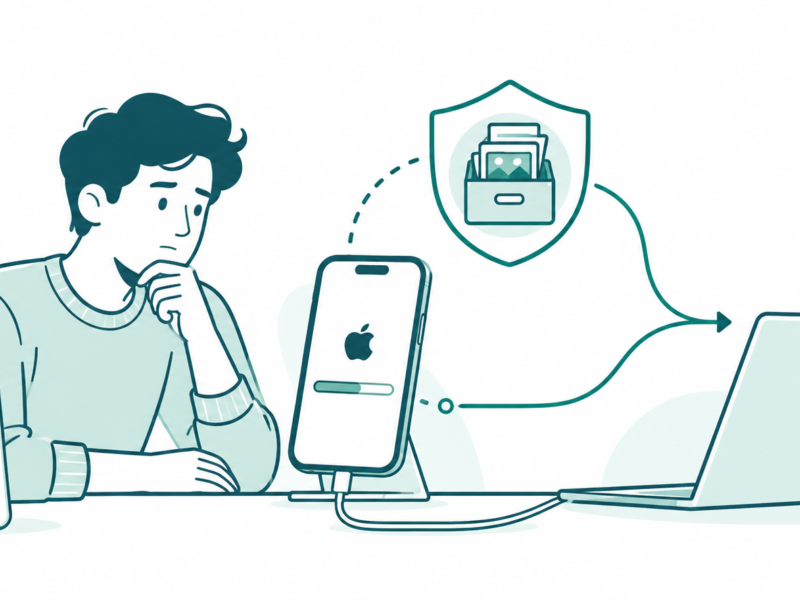
- Back up: turn on Google backup on Android, or iCloud backup on iPhone, and check that it ran.
- Free space: delete unused apps and large files. A full phone slows down.
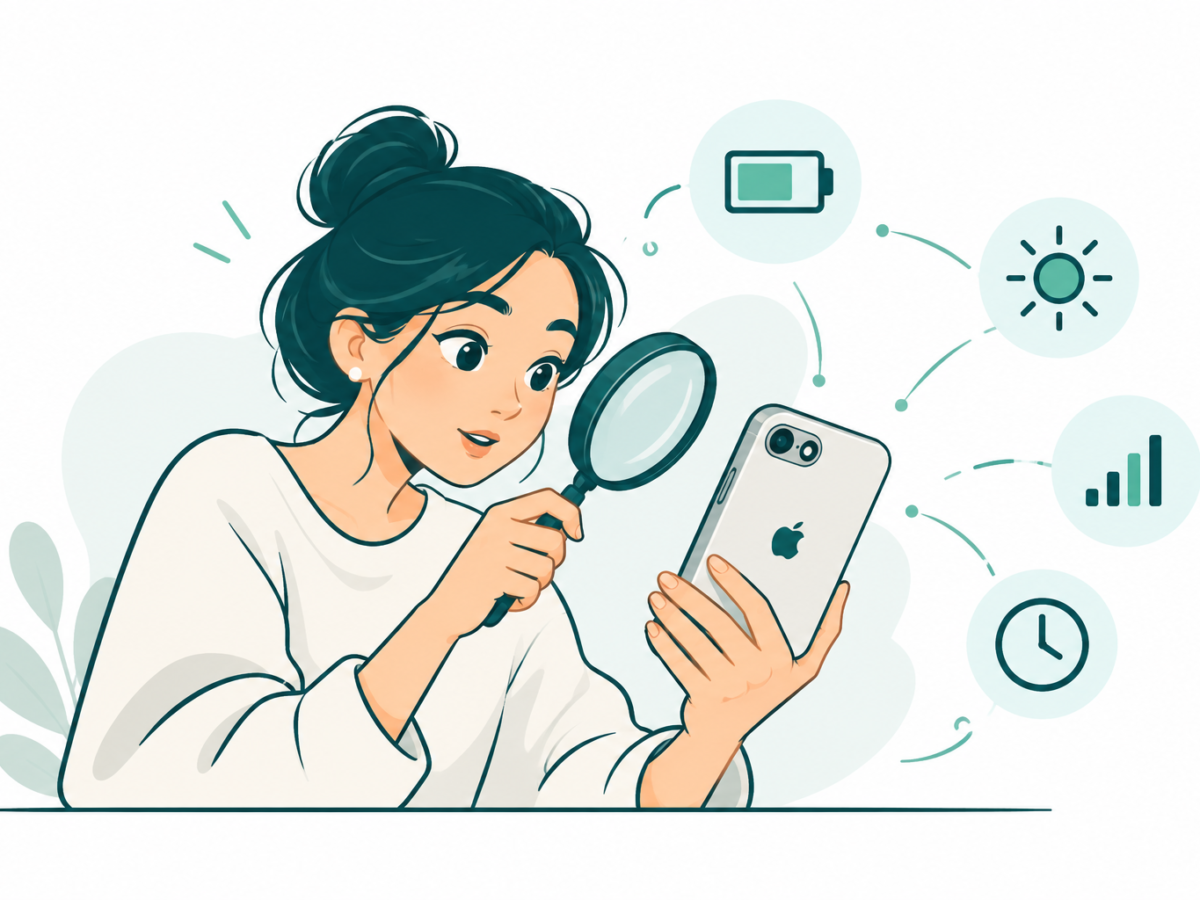
- Battery: look at the battery settings to find apps that use too much power.
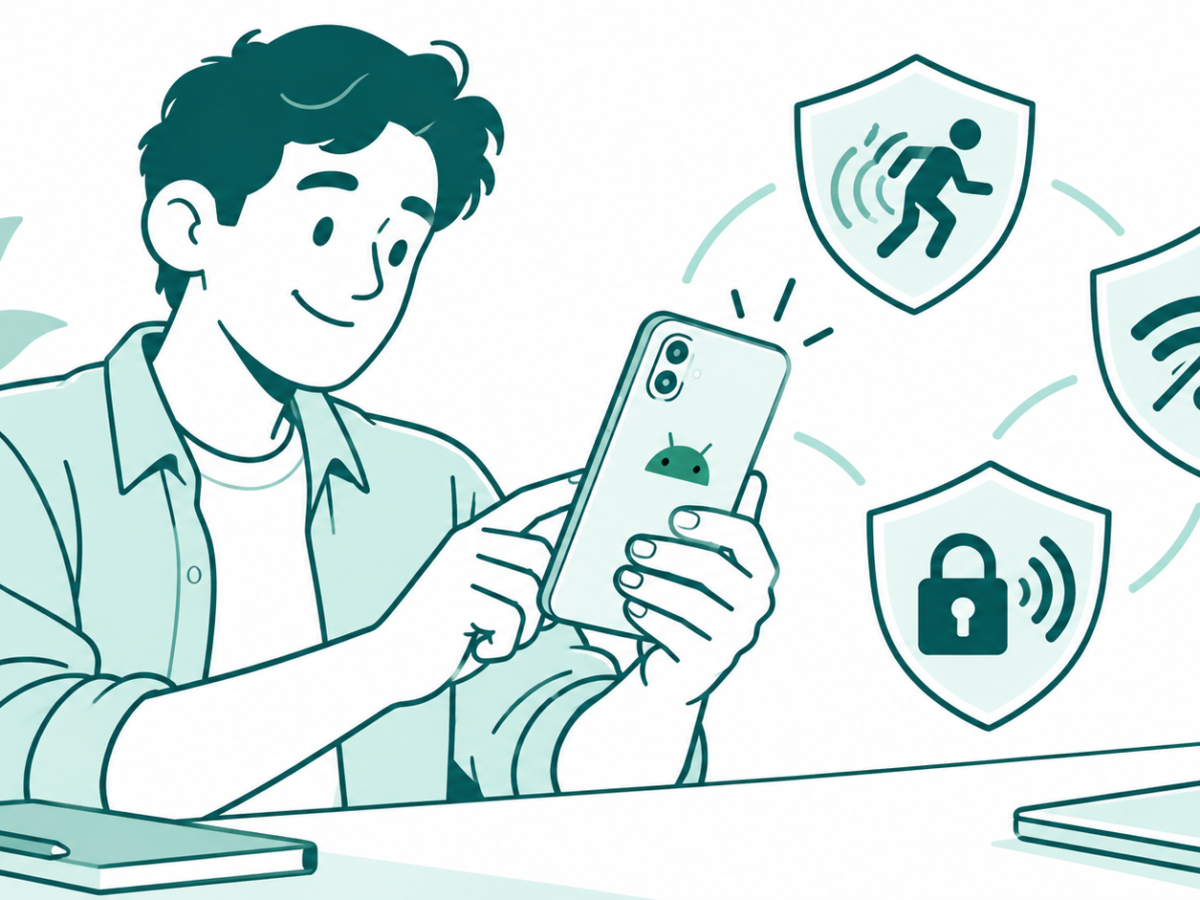
- Permissions: review which apps can use your camera, microphone and location.
- Screen lock: use a strong PIN, fingerprint or face unlock.
Android or iPhone: A Quick Comparison
| Topic | Android | iPhone |
|---|---|---|
| Makers | Many brands | Apple only |
| Updates | Timing depends on the brand | Apple sends updates to supported models |
| App sources | Play Store, plus others | App Store |
| Price range | Wide | Mostly higher |
| Customisation | High | More limited |
Staying Safe on Your Phone
Download apps only from the official store. Do not install apps from links in messages. Do not share OTPs. Be careful with free public Wi-Fi when you use banking apps. If your phone is lost, use “Find My Device” on Android or “Find My” on iPhone to lock or locate it.
The newest guides and updates on this topic appear below.

Frequently Asked Questions
How often should I update my phone?
Install updates when they appear. Security updates matter most.
How can I make my phone battery last longer?
Lower the screen brightness, close heavy apps, turn off unused connections and keep the phone out of heat.
Should I buy Android or iPhone?
It depends on your budget, the apps you need and how long you want updates. Compare models that fit your budget.
How do I free up storage?
Delete unused apps, clear app caches, and move photos and videos to cloud storage or a computer.
What do I do if my phone is stolen?
Lock it with Find My Device or Find My, change your important passwords and report the loss to the police.