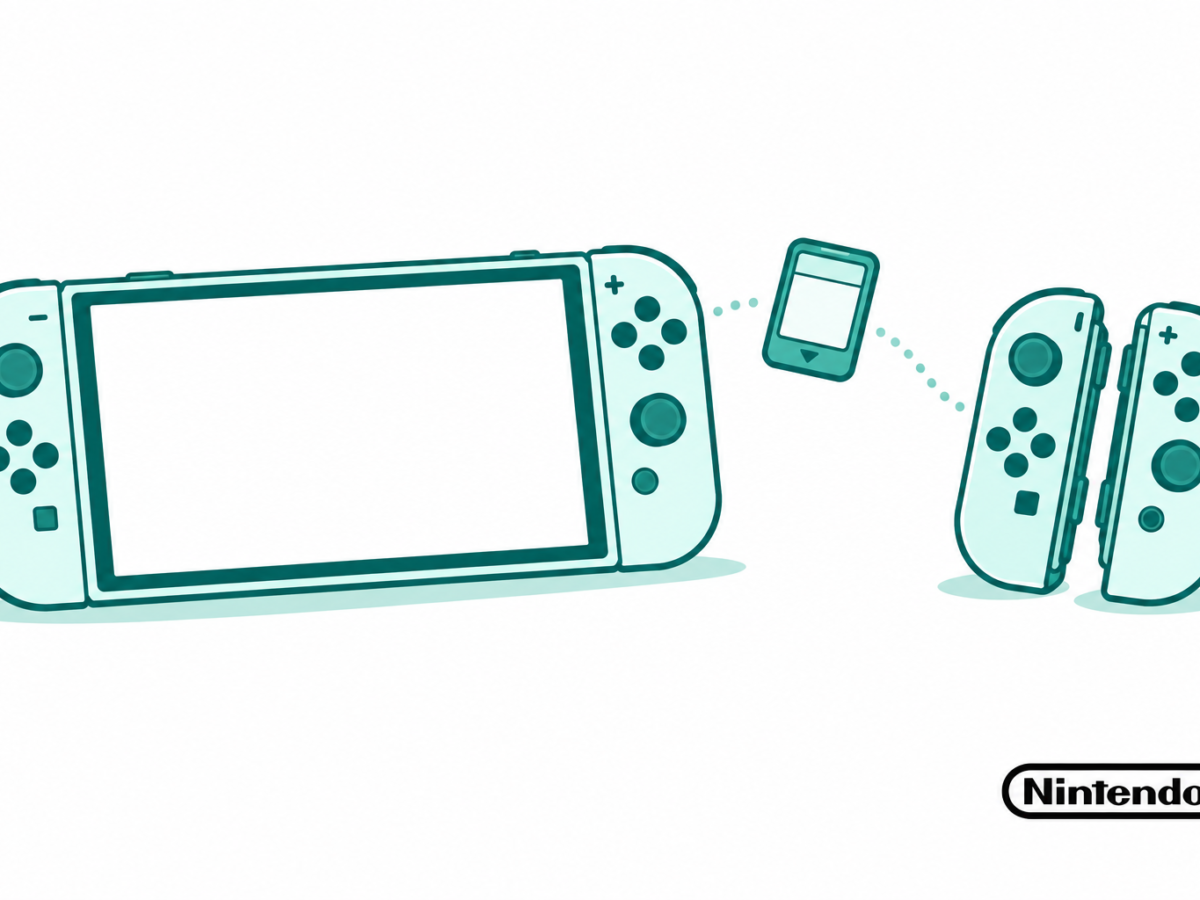

Check Switch 2 backwards compatibility by game, controller, accessory and digital copy. Read update notes, older Joy-Con limits, dock rules and upgrade offers.
Tag: Nintendo
Nintendo guides in this archive focus on setting up and using Switch 2. Start with the game, device or accessory involved rather than assuming that everything from an older console works in the same way. The right check can help you choose a useful guide before buying extra hardware or changing settings.
Check games and storage by their exact type
Nintendo Switch 2 has its own game and accessory requirements. Our Switch 2 compatibility guide explains what to check before moving from an older system. Read the exact title and item rather than relying only on a shared Switch name.
Switch 2 storage needs the right card standard. Nintendo’s official card help specifies microSD Express for downloadable software. It also explains that game save data stays in system memory. A card that stores game files is not therefore a separate copy of your saved progress.
Plan the family and play setup
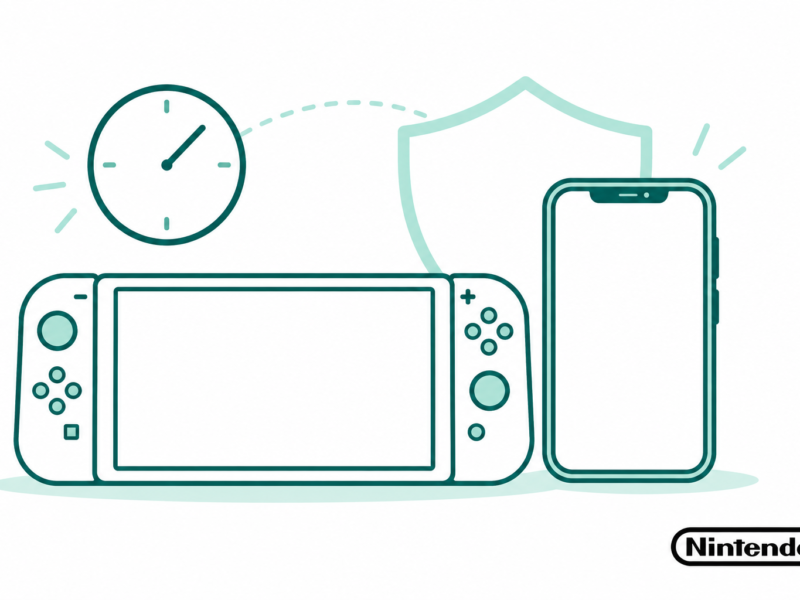
Switch 2 parental controls concern choices such as time, chat and purchases. Start with the family rule you want to set, then follow the relevant guide. A play-time choice and permission to spend money are separate decisions to review.
For wider game context, browse games. Our PlayStation and Xbox archives cover other console platforms. Use them for their own systems rather than moving a storage or account instruction from one console to another.
Check runtime and sound separately
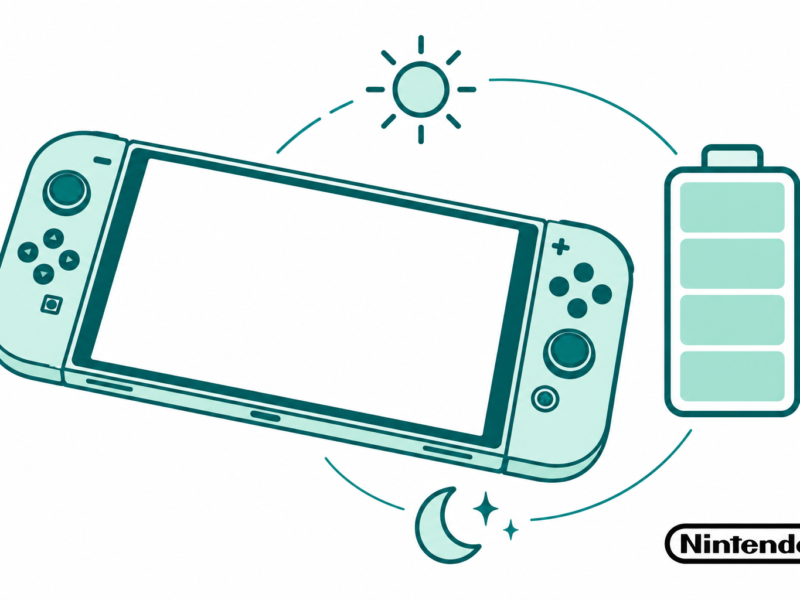
Switch 2 battery questions can concern runtime, charging or the number shown on the screen. Those need different checks. Our battery health collection adds wider battery context. Keep the game, brightness and device conditions in view before comparing any two runtime reports.
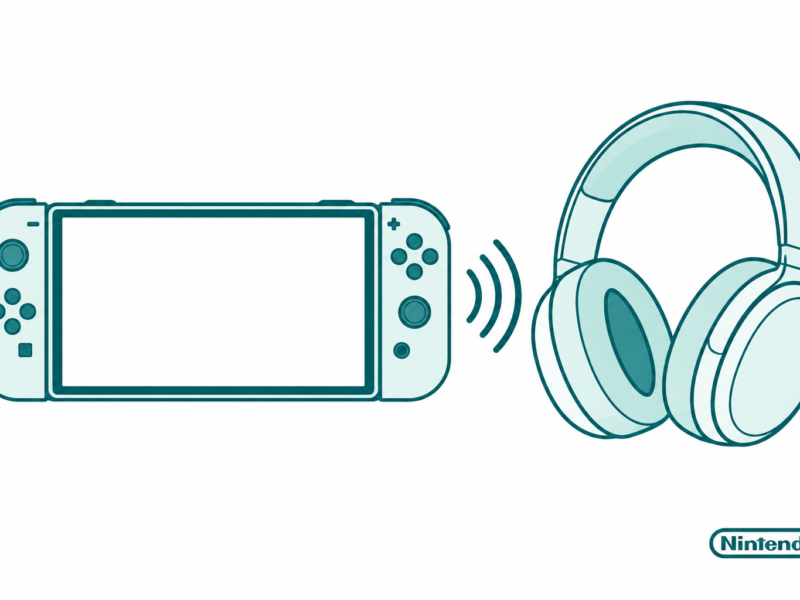
Switch 2 Bluetooth audio concerns another part of the setup: the headset, sound and microphone behavior. Match the guide to the connection you use. The Nintendo articles below provide focused help for each task. Choose one goal, confirm the model and accessory, and check the result before changing the next part of the system.