• Microblog
  • News
    • Apps
    • Gaming
    • Internet
    • Security
    • Social Networks
    • Artificial Intelligence
    • Android
  • Gear
    • Audio
    • PC
    • Phones
    • Smart Home
    • Video
  • Guide
    • AI Tools Guide
    • WhatsApp Tips
    • Social Media Guide
    • Mobile Plans Guide
    • Android & iPhone Guide
    • Productivity Apps Guide
    • How To
    • Top
    • Best
  • Telecom
    • Mobile Plans Guide
    • Jio Fiber
    • Airtel
    • 5G
    • Recharge Plans
    • BSNL
  • Aetherfor Mac
  • Apollofor iPhone & iPad
  • About Us
  • Contact Us
  • Team
  • Disclaimer
  • Careers
  • Guest Post
  • Facebook
  • Twitter
  • Linkedin
  • Instagram
  • Google
Skip to content
  • About Us
  • Contact Us
  • Team
  • Disclaimer
  • Careers
  • Guest Post
  • Facebook
  • Twitter
  • Linkedin
  • Instagram
  • Google
Techchahiye

Techchahiye

Your Everyday Tech Guide

  • News
    • Apps
    • Gaming
    • Internet
    • Security
    • Social Networks
    • Artificial Intelligence
    • Android
  • Gear
    • Audio
    • PC
    • Phones
    • Smart Home
    • Video
  • Guide
    • AI Tools Guide
    • WhatsApp Tips
    • Social Media Guide
    • Mobile Plans Guide
    • Android & iPhone Guide
    • Productivity Apps Guide
    • How To
    • Top
    • Best
  • Telecom
    • Mobile Plans Guide
    • Jio Fiber
    • Airtel
    • 5G
    • Recharge Plans
    • BSNL
  • Aetherfor Mac
  • Apollofor iPhone & iPad
  • Microblog
Subscribe
  • Primary Topics:
  • AI & ChatGPTTools & safe use
  • WhatsAppTips & privacy
  • Social mediaAccounts & safety
  • Mobile plansJio, Airtel & OTT
  • Android & iPhoneUpdates & fixes
  • Productivity appsGoogle, Excel & more
Home » Battery

Tag: Battery

Battery health and the amount of charge left are different things. A full charge does not mean a battery holds as much as it did when new. Here you can find older guides to charge readings, calibration and a time-left display. The links point to more phone and computer help.

Separate charge from condition

Battery charge is the device’s current charge level. State of charge is often shown as a percentage. Battery percentage is therefore useful for planning the next few hours, but it should not be read as a complete measure of the battery’s condition.

For a laptop battery, check its model and age too. Our Mac computers archive includes a guide that reads cycle count alongside health. Apple’s cycle-count explanation shows that a cycle can build up across more than one charging session.

Read estimates and older guides carefully

A battery cycle count is not the same as a count of every time a charger was plugged in. For example, using part of a charge and topping up need not represent one full cycle. Check the maker’s rules for your model before you compare it with another one.

Our battery calibration guide is an older article. It does not mean every phone or laptop needs that routine today. Use the maker’s current steps for your model before you try a full drain-and-charge routine.

Match the question to the right device

The remaining-time guide here concerns Windows 10. A time estimate can change with the work a computer is doing, so it is not a fixed promise about how long every task will run. A charge reading, an estimate and long-term health each answer a different question.

For phones, browse Android and choose a guide that matches your model and symptom. The issue may be fast drain, a strange status reading or less charge held over time. Those are different problems. Pick a guide for the one you see. The articles below offer historical context; current device help should guide any charging or service decision for the battery you own.
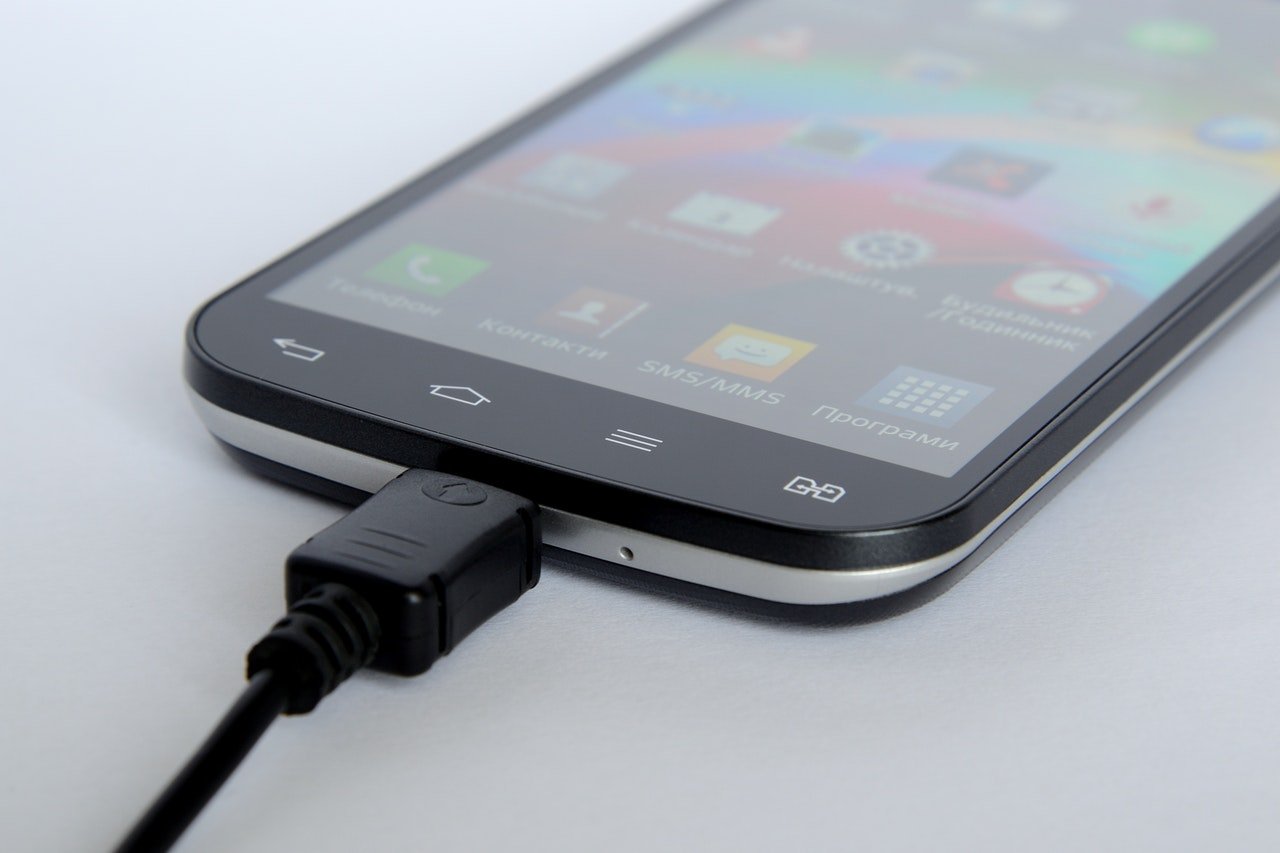
How to Enable Battery Remaining Time in Windows 10
Posted inHow To

How to Enable Battery Remaining Time in Windows 10?

by Sanjay Kumar MonuFebruary 19, 2019February 19, 2019

In this article, we explain you to How to enable Battery Remaining Time in Windows 10? Earlier, when we hover over the battery icon on the taskbar we able see how much time it is remaining after which battery discharges completely. It look like as we show in the screenshot below. You can see in […]

State of Charge Explained
Posted inComputing

State of Charge Explained: (SOC) The SI Unit of Battery Status

by Sanjay Kumar MonuSeptember 5, 2017September 10, 2021
How to Calibrate PC or SmartPhones Battery
Posted inHow To

How to Calibrate PC or SmartPhones Battery? (Guide)

by Sanjay Kumar MonuSeptember 5, 2017November 29, 2018

Latest Article

How to Add a Border in Google Docs That Fits Your Text
How To

How to Add a Border in Google Docs That Fits Your Text

Choose a paragraph border, a table or a drawing, then check the finished page.
November 10, 2026November 10, 2026
How to Check Screen Time on Android and Read the Report
How To

How to Check Screen Time on Android and Read the Report

Find the daily view, compare the right numbers and choose one useful next step.
November 10, 2026November 10, 2026
How to Delete Bookmarks on Chrome, by Device
How To

How to Delete Bookmarks on Chrome, by Device

Find the right saved link, profile and folder before you clear your list.
November 10, 2026November 10, 2026
How to Restore Tabs on Chrome After a Restart
How To

How to Restore Tabs on Chrome After a Restart

Find the right window, closed tab or saved group before changing browser settings.
November 10, 2026November 10, 2026
Samsung Battery Protection: Choose Your Charge Limit
Phones

Samsung Battery Protection: Choose Your Charge Limit

Choose a supported limit, plan your day and understand a charging pause.
November 9, 2026November 9, 2026
  • Facebook
  • Twitter
  • Linkedin
  • Instagram
  • Google
Techchahiye

Your everyday tech guide. Clear explainers on apps, phones, plans and AI for readers in India.

Follow us

Guides

  • AI tools guide
  • WhatsApp tips
  • Social media guide
  • Mobile plans guide
  • Android and iPhone
  • Productivity apps

Sections

  • News
  • How to
  • Phones
  • Telecom
  • Security
  • Gaming

Company

  • About us
  • Contact us
  • Team
  • Privacy policy
  • Disclaimer
  • Write for us
© 2026 Techchahiye Powered by Newspack Privacy Policy