
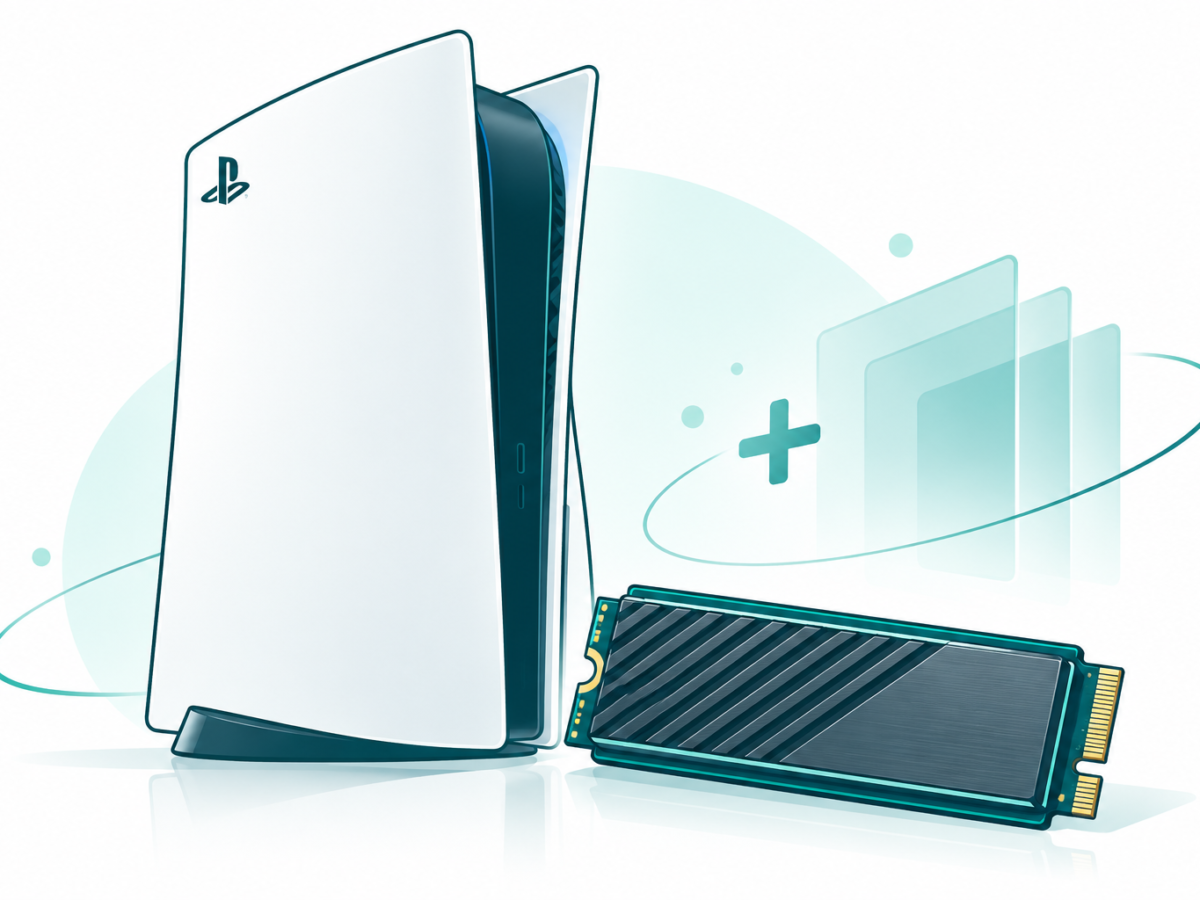

Choose a PS5 SSD upgrade that fits your console and library. Compare M.2 and USB storage, cooling, capacity, save protection and setup checks.
Tag: PlayStation
PlayStation coverage here includes a PS5 storage guide and an older report on the Classic console. These are different products with different purposes. Start with the console you have, then choose the hardware or game question you want to answer before following a setup step.
Choose storage that fits the PS5 task
A PS5 SSD upgrade needs more than a drive with enough space. Sony’s official install guide lists M.2 SSD requirements, dimensions and cooling rules. Check the full drive and console setup before buying an item based only on its capacity or brand.
PS5 game storage also needs a clear goal. Decide whether you want to keep files or run games from the chosen storage. Read our guide for the type of drive involved rather than assuming every device that connects to a console does the same job.
Read the install and cooling checks together
SSD cooling is part of Sony’s requirements. Its help says the drive needs a heat-dissipation mechanism. Check the fitted size and the full official steps rather than treating the drive’s main specification as the only installation check.
Before following a hardware guide, identify the console model and save the work you need to keep. Our wider technology how-to guides collection offers practical task guides. Use the PS5-specific steps for this job, with the current manufacturer instructions close at hand.
Keep the Classic report in its own period
PlayStation Classic appears in an earlier launch story about a small console with a built-in game collection. Read that report as launch history. It does not establish today’s shop stock, price or the features of a different PlayStation system.
Console compatibility is specific to the model, game and accessory. Browse games for wider game coverage, or Nintendo and Xbox for other platforms. The PlayStation articles below help you separate a storage task from an older product announcement. Check the exact hardware and intended result before deciding which guide to follow.
