• Microblog
  • News
    • Apps
    • Gaming
    • Internet
    • Security
    • Social Networks
    • Artificial Intelligence
    • Android
  • Gear
    • Audio
    • PC
    • Phones
    • Smart Home
    • Video
  • Guide
    • AI Tools Guide
    • WhatsApp Tips
    • Social Media Guide
    • Mobile Plans Guide
    • Android & iPhone Guide
    • Productivity Apps Guide
    • How To
    • Top
    • Best
  • Telecom
    • Mobile Plans Guide
    • Jio Fiber
    • Airtel
    • 5G
    • Recharge Plans
    • BSNL
  • Aetherfor Mac
  • Apollofor iPhone & iPad
  • About Us
  • Contact Us
  • Team
  • Disclaimer
  • Careers
  • Guest Post
  • Facebook
  • Twitter
  • Linkedin
  • Instagram
  • Google
Skip to content
  • About Us
  • Contact Us
  • Team
  • Disclaimer
  • Careers
  • Guest Post
  • Facebook
  • Twitter
  • Linkedin
  • Instagram
  • Google
Techchahiye

Techchahiye

Your Everyday Tech Guide

  • News
    • Apps
    • Gaming
    • Internet
    • Security
    • Social Networks
    • Artificial Intelligence
    • Android
  • Gear
    • Audio
    • PC
    • Phones
    • Smart Home
    • Video
  • Guide
    • AI Tools Guide
    • WhatsApp Tips
    • Social Media Guide
    • Mobile Plans Guide
    • Android & iPhone Guide
    • Productivity Apps Guide
    • How To
    • Top
    • Best
  • Telecom
    • Mobile Plans Guide
    • Jio Fiber
    • Airtel
    • 5G
    • Recharge Plans
    • BSNL
  • Aetherfor Mac
  • Apollofor iPhone & iPad
  • Microblog
Subscribe
  • Primary Topics:
  • AI & ChatGPTTools & safe use
  • WhatsAppTips & privacy
  • Social mediaAccounts & safety
  • Mobile plansJio, Airtel & OTT
  • Android & iPhoneUpdates & fixes
  • Productivity appsGoogle, Excel & more
Home » Gmail

Tag: Gmail

Gmail gets easier to manage when you can find a message and understand what is taking up space. This archive collects our guides to search, filters, account access and inbox tools. It also preserves older feature news, so you can see how a tool arrived without assuming every old screenshot still matches your screen.

Find the mail before changing it

Start with Gmail search when a message seems lost. Our search-operator guide explains ways to narrow a mailbox, while other articles cover shopping mail and mobile search tools. Try to name the sender, topic or time period you need instead of scrolling through every message.

Gmail filters concern how mail is handled, which is a separate task from one search. Before making a rule, decide which messages it should affect. A broad rule can include more mail than you meant, so review the matching messages before relying on it.

Check the account’s storage picture

Gmail storage is part of a wider account total. Google’s storage help explains that space is shared with Google Drive and Google Photos. A full account may therefore need a wider review than deleting a few small emails.

Our storage guide helps you identify the kind of content involved before you choose what to keep or remove. Check that an important attachment is saved where you expect it. Finding a file in a message and having a separate copy are different facts.

Choose the right account or app guide

A Gmail account can appear on a phone, in a browser or in another mail app. For Gmail sign out questions, match the guide to that setup. The same words on two devices can refer to different account controls, so read the platform before following a menu path.

Gmail settings also appear in our coverage of conversation view, scheduled messages and writing tools. Browse email tools for more search-related context, or Google Calendar when the next task is planning time rather than handling a message. The articles below give both practical steps and a dated record of earlier changes.

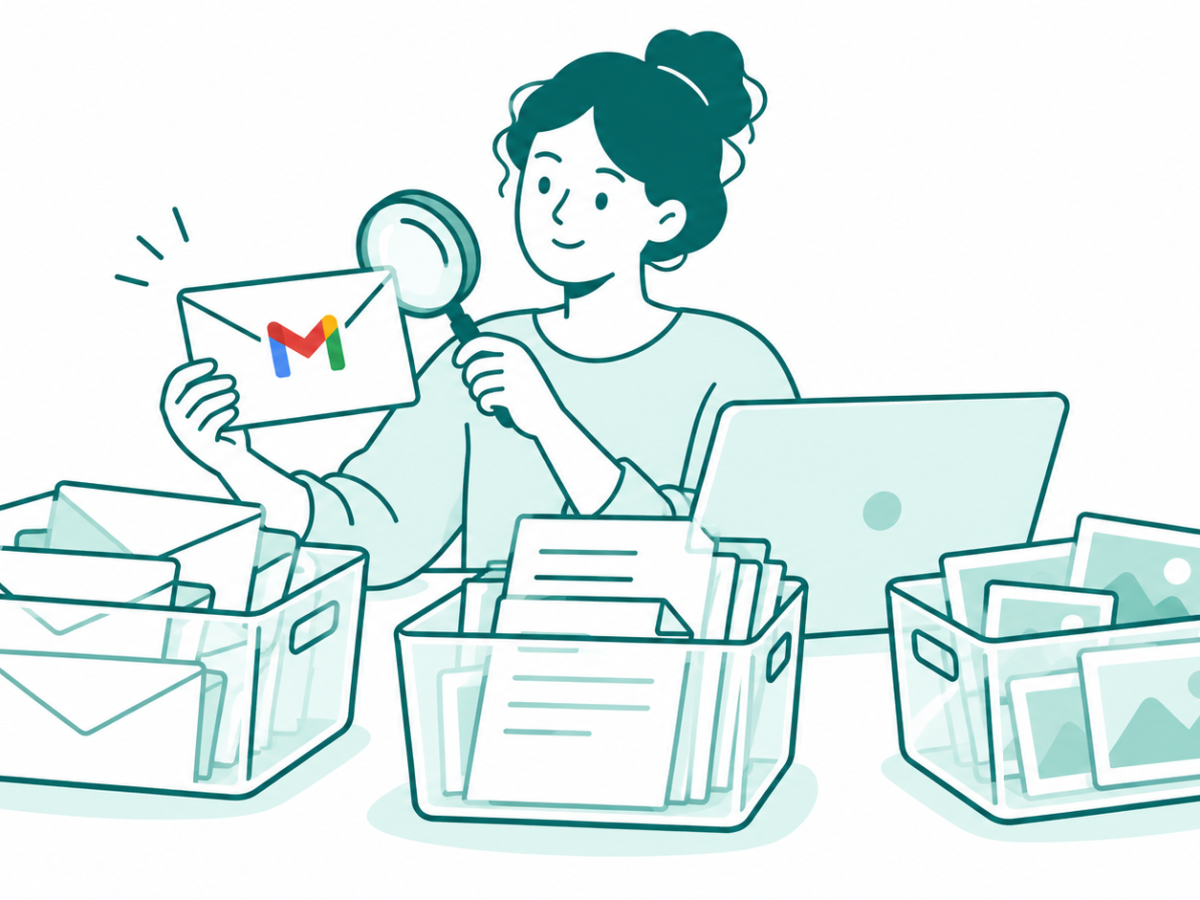
A Gmail user reviews a large envelope beside separate containers for mail, Drive documents and Photos
Posted inApps

Gmail Storage Full? Find What Uses Your Account Space

by Sanjay Kumar MonuOctober 25, 2026October 25, 2026

Gmail storage full? Check shared account space, find large messages and review Archive, Trash and deletion before removing important records.

Posted inGoogle

Finding Emails in Gmail Android Made Easier With New Search Filters

by Sanjay Kumar MonuSeptember 22, 2021September 22, 2021
Filter Shopping Emails Gmail
Posted inHow To

How to Filter Shopping Emails in Gmail?

by Sanjay Kumar MonuMarch 12, 2021March 12, 2021
gmail search operators
Posted inGoogle

The Complete List of Gmail Search Operators to Filter Mails Quickly

by Sanjay Kumar MonuOctober 30, 2020October 30, 2020
Posted inApps

You can now attach an email to an email in Gmail

by Sanjay Kumar MonuDecember 10, 2019December 21, 2019
swiping gesture switch between accounts gmail
Posted inApps

Gmail Adds Swiping Gesture to Quickly Switch Between Accounts

by Sanjay Kumar MonuAugust 29, 2019August 29, 2019

Posts pagination

1 2 3 4 Older posts

Latest Article

How to Add a Border in Google Docs That Fits Your Text
How To

How to Add a Border in Google Docs That Fits Your Text

Choose a paragraph border, a table or a drawing, then check the finished page.
November 10, 2026November 10, 2026
How to Check Screen Time on Android and Read the Report
How To

How to Check Screen Time on Android and Read the Report

Find the daily view, compare the right numbers and choose one useful next step.
November 10, 2026November 10, 2026
How to Delete Bookmarks on Chrome, by Device
How To

How to Delete Bookmarks on Chrome, by Device

Find the right saved link, profile and folder before you clear your list.
November 10, 2026November 10, 2026
How to Restore Tabs on Chrome After a Restart
How To

How to Restore Tabs on Chrome After a Restart

Find the right window, closed tab or saved group before changing browser settings.
November 10, 2026November 10, 2026
Samsung Battery Protection: Choose Your Charge Limit
Phones

Samsung Battery Protection: Choose Your Charge Limit

Choose a supported limit, plan your day and understand a charging pause.
November 9, 2026November 9, 2026
  • Facebook
  • Twitter
  • Linkedin
  • Instagram
  • Google
Techchahiye

Your everyday tech guide. Clear explainers on apps, phones, plans and AI for readers in India.

Follow us

Guides

  • AI tools guide
  • WhatsApp tips
  • Social media guide
  • Mobile plans guide
  • Android and iPhone
  • Productivity apps

Sections

  • News
  • How to
  • Phones
  • Telecom
  • Security
  • Gaming

Company

  • About us
  • Contact us
  • Team
  • Privacy policy
  • Disclaimer
  • Write for us
© 2026 Techchahiye Powered by Newspack Privacy Policy