
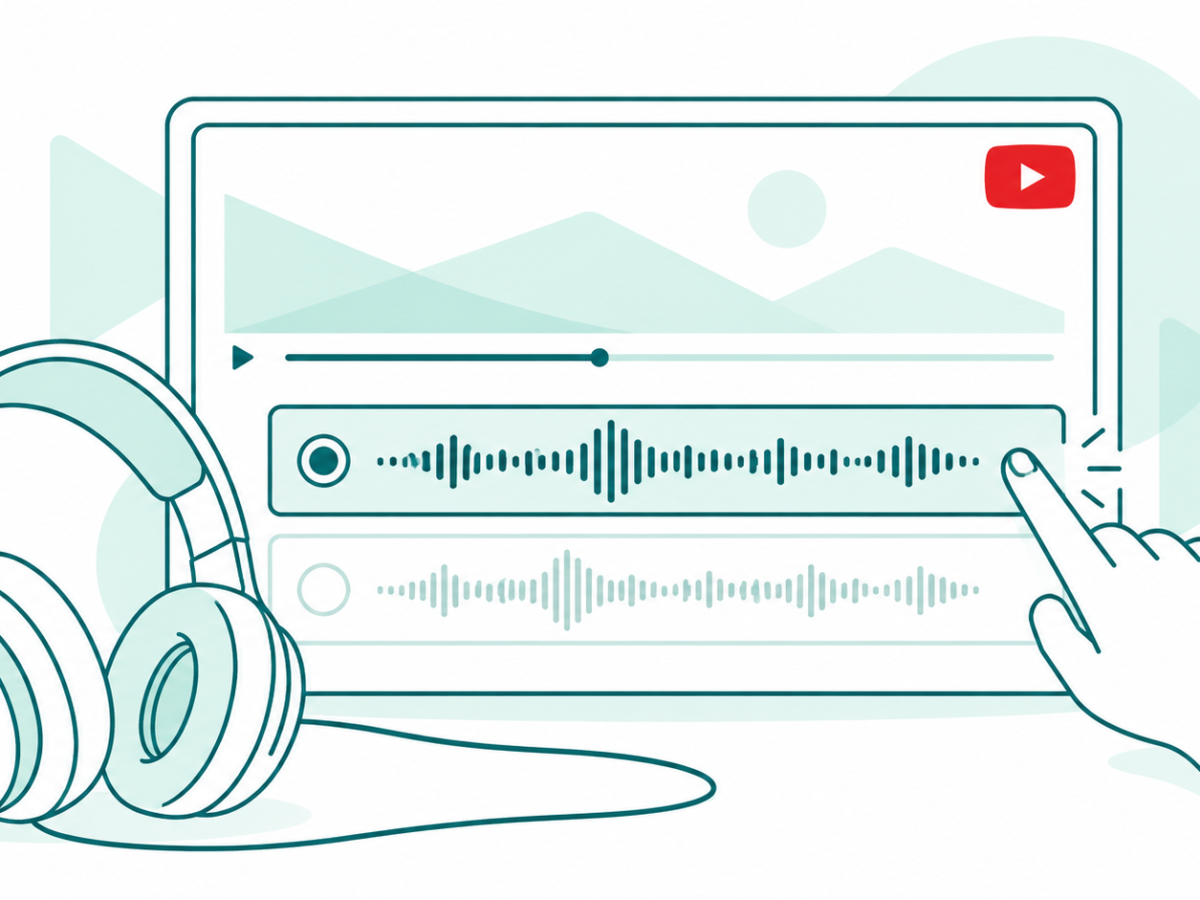

Turn off YouTube auto dubbing with available audio tracks and Preferred languages. Find the web and mobile controls and avoid common setting mix-ups.
Tag: YouTube
YouTube is easier to use when you can choose how a video sounds and plays. This archive brings together our viewing guides, feature reports and older launch news. Start with the task that is causing trouble, such as an unwanted dubbed voice, a playback speed you want to change or a player control you cannot find.
Choose the sound and speed you want
Our guide to YouTube audio tracks explains how to look for the original sound when a video opens with a dub. Google’s language help confirms that some videos offer extra audio languages and lets viewers choose a track when those options exist. Not every video has the same choices.
YouTube playback speed is a separate control. A slower pace may help with a dense lesson, while a faster pace may suit a familiar talk. These are examples of viewing preferences, rather than proof that one speed is best for everyone. Choose the guide that matches your phone, browser or TV.
Find the right player and account topic
YouTube videos appear in our coverage of quality settings, search, dark mode and casting. If your question is about watching while you browse another page, the YouTube mini player archive narrows the focus to the smaller player. It is a different topic from changing a video’s language or quality.
For YouTube Incognito, Google’s mobile help explains how that session relates to account search and watch history. It is an account-history feature, not a promise that every part of your internet use becomes invisible. Read the current help before relying on a privacy assumption.
Separate paid services from feature tests
The YouTube Premium archive groups reports about paid viewing features and past launches. The YouTube Music page focuses on the separate music service. Check the plan, country and date before applying an older benefit list to an account today.
Some stories below describe tools that were only being tested. Our experimental app features topic helps place those reports in context. A preview does not confirm a wide release. Browse the guides for practical steps, and use the news dates to follow how the service changed over time.


