• Microblog
  • News
    • Apps
    • Gaming
    • Internet
    • Security
    • Social Networks
    • Artificial Intelligence
    • Android
  • Gear
    • Audio
    • PC
    • Phones
    • Smart Home
    • Video
  • Guide
    • AI Tools Guide
    • WhatsApp Tips
    • Social Media Guide
    • Mobile Plans Guide
    • Android & iPhone Guide
    • Productivity Apps Guide
    • How To
    • Top
    • Best
  • Telecom
    • Mobile Plans Guide
    • Jio Fiber
    • Airtel
    • 5G
    • Recharge Plans
    • BSNL
  • Aetherfor Mac
  • Apollofor iPhone & iPad
  • About Us
  • Contact Us
  • Team
  • Disclaimer
  • Careers
  • Guest Post
  • Facebook
  • Twitter
  • Linkedin
  • Instagram
  • Google
Skip to content
  • About Us
  • Contact Us
  • Team
  • Disclaimer
  • Careers
  • Guest Post
  • Facebook
  • Twitter
  • Linkedin
  • Instagram
  • Google
Techchahiye

Techchahiye

Your Everyday Tech Guide

  • News
    • Apps
    • Gaming
    • Internet
    • Security
    • Social Networks
    • Artificial Intelligence
    • Android
  • Gear
    • Audio
    • PC
    • Phones
    • Smart Home
    • Video
  • Guide
    • AI Tools Guide
    • WhatsApp Tips
    • Social Media Guide
    • Mobile Plans Guide
    • Android & iPhone Guide
    • Productivity Apps Guide
    • How To
    • Top
    • Best
  • Telecom
    • Mobile Plans Guide
    • Jio Fiber
    • Airtel
    • 5G
    • Recharge Plans
    • BSNL
  • Aetherfor Mac
  • Apollofor iPhone & iPad
  • Microblog
Subscribe
  • Primary Topics:
  • AI & ChatGPTTools & safe use
  • WhatsAppTips & privacy
  • Social mediaAccounts & safety
  • Mobile plansJio, Airtel & OTT
  • Android & iPhoneUpdates & fixes
  • Productivity appsGoogle, Excel & more
Home » Facebook » Page 6

Tag: Facebook

Facebook can mean a personal profile, a group chat, a video feed or a page for your work. This archive helps you find the part that matches your question. It collects our guides to profile controls, posts and sharing, along with news about how the app has changed.

Start with what other people can see

For Facebook privacy, begin by deciding what you want to protect. A public post, a profile detail and a message are not the same thing. So, check the choice that fits your task. Meta’s 2020 privacy guide shows how to review who can see your posts. It also covers account safety and data choices. Use it as background, then check the current controls in your account.

Our Facebook profile coverage includes locking a profile and pinning a post. Read each guide’s date and device scope before following a screenshot. If a control is missing, check current help for your account rather than assuming every feature appears for every person.

Find guides for posts, video and groups

Facebook posts can raise simple practical questions: how to hide a like count, highlight a useful update or share a photo somewhere else. Choose the guide for that exact task. For example, hiding a count is a different job from changing who can see the post itself.

Our articles on Facebook videos include past ranking reports, live broadcasts and tips for clear content. A dated ranking report does not promise more views today. Focus first on a useful subject, a clear opening and a format that suits the people you want to reach.

Facebook groups appear in our past coverage of mentoring and shared interests. Meanwhile, for private chat and calling topics, the Facebook Messenger archive offers a more focused route. That keeps group, feed and message questions from becoming mixed together.

Follow related services with care

Browse Instagram for crossposting and short-video topics, or WhatsApp for messaging and account guides. Our online marketplaces archive covers related buying and selling services. The older articles below also include retired projects, past offers and historical usage figures. Keep their dates in view. They describe their time, rather than the state of every service today.

Turn on Dark Mode Facebook Messenger Emoji
Posted inApps

How to Turn On Dark Mode in Facebook Messenger by Sending an Emoji?

by Sanjay Kumar MonuMarch 3, 2019March 3, 2019
How to Disable Background Location Tracking on Facebook
Posted inHow To

How to Disable Background Location Tracking on Facebook?

by Sanjay Kumar MonuFebruary 21, 2019November 8, 2019
Facebook Starts Labeling Political Advertisement
Posted inSocial Networks

Facebook Starts Labeling Political Advertisement

by Sanjay Kumar MonuFebruary 7, 2019February 20, 2019
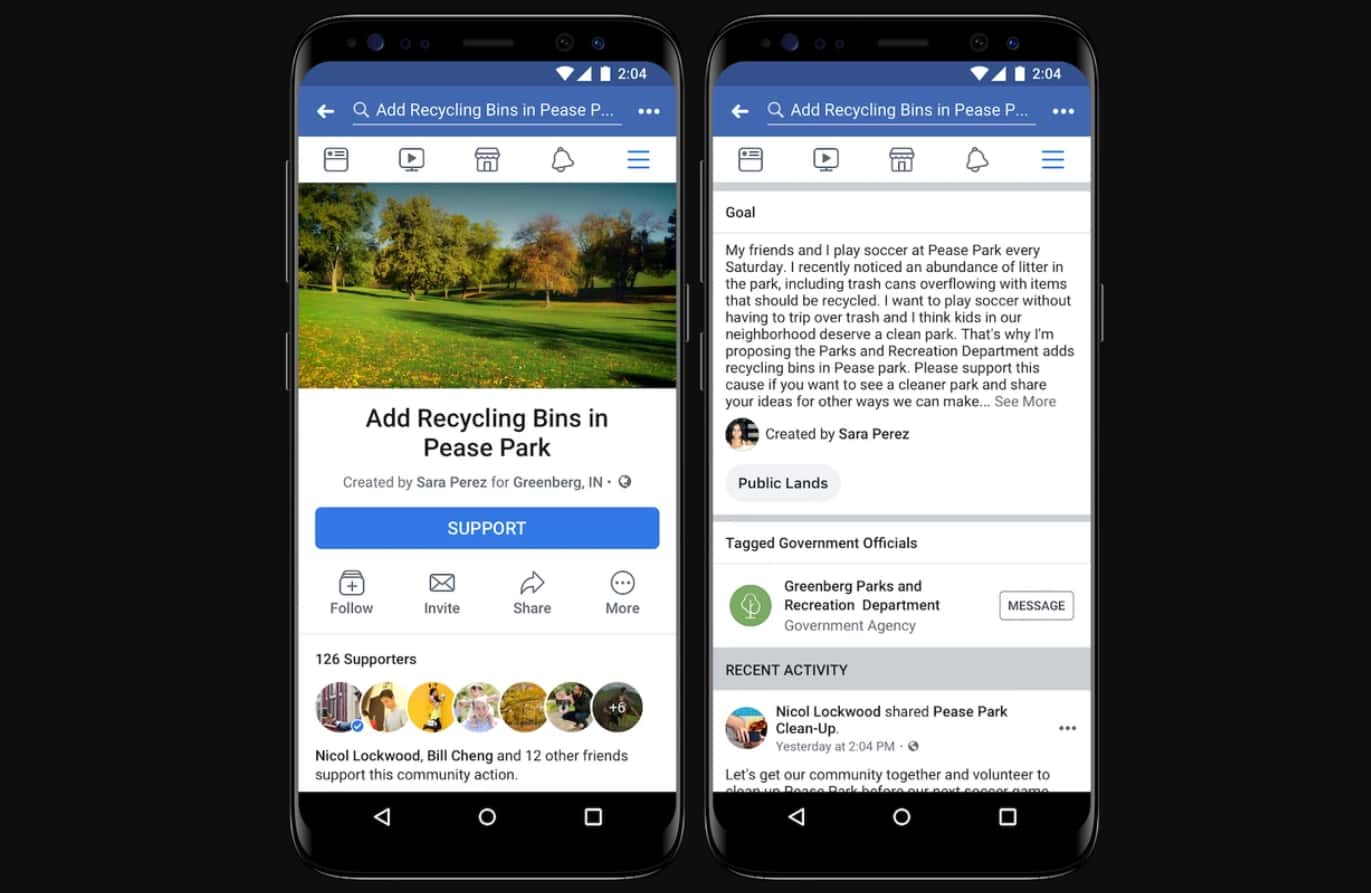
Facebook Rolls out Community Actions Petition Feature Tomorrow
Posted inSocial Networks

Facebook Community Actions Petition Feature Rolling Tomorrow

by Sanjay Kumar MonuJanuary 21, 2019January 21, 2019
Facebook Spectrum Compress Photos 15 Percent Smaller
Posted inComputing

Facebook Spectrum Compress Photos 15 Percent Smaller

by Sanjay Kumar MonuJanuary 17, 2019January 17, 2019
Facebook Clear History Tool
Posted inSocial Networks

What is Facebook Clear History Tool?

by Sanjay Kumar MonuDecember 18, 2018December 18, 2018

Posts pagination

Newer posts 1 … 4 5 6 7 8 … 12 Older posts

Latest Article

How to Turn Off Auto Caps in Google Docs Without Changing Every Word
How To

How to Turn Off Auto Caps in Google Docs Without Changing Every Word

Stop unwanted capital letters while keeping the correction tools you still need.
November 6, 2026November 6, 2026
How to Use Voice Typing in Google Docs and Fix Missed Words
How To

How to Use Voice Typing in Google Docs and Fix Missed Words

Start a spoken draft, check microphone access and review the words that matter.
November 6, 2026November 6, 2026
Make Google Docs Available Offline Before You Need It
How To

Make Google Docs Available Offline Before You Need It

Prepare the right device and account, check files and confirm the return to online work.
November 6, 2026November 6, 2026
WhatsApp Disappearing Messages: Choose the Right Timer
Apps

WhatsApp Disappearing Messages: Choose the Right Timer

Set the right chat or default timer, understand group rules and check the limits of expiry.
November 6, 2026November 6, 2026
How to Turn On Dark Mode in Google Docs by Device
How To

How to Turn On Dark Mode in Google Docs by Device

Choose a mobile theme and understand browser appearance, page color, and light preview.
November 6, 2026November 6, 2026
  • Facebook
  • Twitter
  • Linkedin
  • Instagram
  • Google
Techchahiye

Your everyday tech guide. Clear explainers on apps, phones, plans and AI for readers in India.

Follow us

Guides

  • AI tools guide
  • WhatsApp tips
  • Social media guide
  • Mobile plans guide
  • Android and iPhone
  • Productivity apps

Sections

  • News
  • How to
  • Phones
  • Telecom
  • Security
  • Gaming

Company

  • About us
  • Contact us
  • Team
  • Privacy policy
  • Disclaimer
  • Write for us
© 2026 Techchahiye Powered by Newspack Privacy Policy