
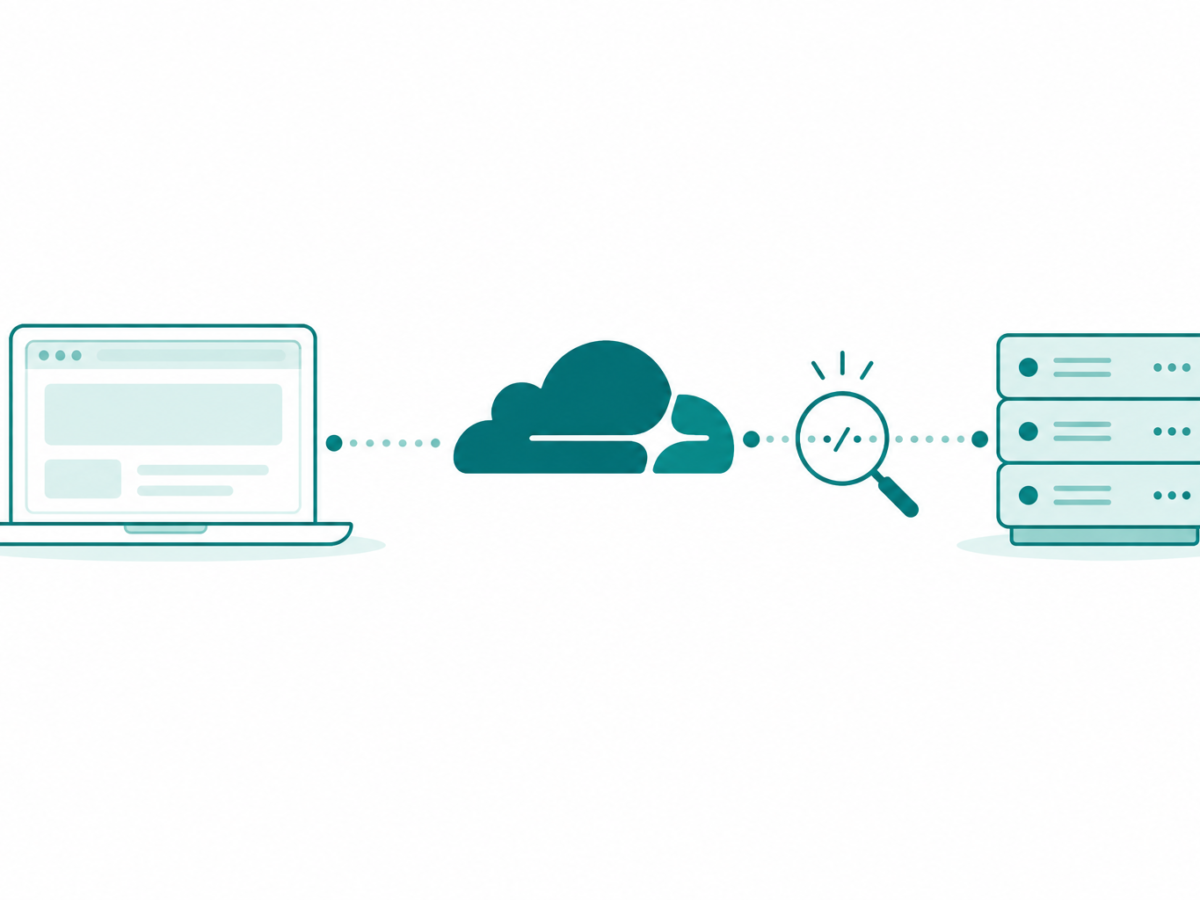

Check Cloudflare outage status, understand errors 520, 522 and 524, and find the right next step for a failed site, browser or connection.
Tag: Cloudflare
Cloudflare may appear in a site error, a DNS app or a WARP connection. Those are different parts of the internet setup. This archive helps you identify which one a report concerns before using an old outage story as the cause of a new problem.
Check the affected site and the time
A Cloudflare outage report needs a date and a clear scope. The official status page lists service incidents and maintenance. Match the affected product and period to the problem you can see rather than assuming every failed page has the same cause.
Website errors can also involve the site’s own server or your connection. Note the address, error text and whether other pages open. Our useful websites archive adds web-access context. A status entry is one piece of evidence. It is not a full check of every site.
Separate DNS and WARP choices
1.1.1.1 DNS appears in our earlier resolver-app launch report. The WARP client appears in later phone and computer stories. Cloudflare’s current mode guide distinguishes the client’s modes. Check which mode you use before treating every setting as the same kind of connection change.
For wider browser context, browse internet browsers. Changing a browser option and changing the network route do different jobs. Start with the fault or feature you mean instead of changing both at once and losing track of what affected the result.
Read filter and privacy claims carefully
DNS filtering appears in our earlier Families-service report. Read the product’s current scope before expecting a filter to cover every kind of content or account risk. A filter for one kind of content does a specific job. It does not prove all activity is private or that each device is secure.
Our online privacy and technology security archives add those separate information and account contexts. Use the Cloudflare status and feature articles below to identify the service involved. Then check the current official help and your own setup before choosing the next step.


