• Microblog
  • News
    • Apps
    • Gaming
    • Internet
    • Security
    • Social Networks
    • Artificial Intelligence
    • Android
  • Gear
    • Audio
    • PC
    • Phones
    • Smart Home
    • Video
  • Guide
    • AI Tools Guide
    • WhatsApp Tips
    • Social Media Guide
    • Mobile Plans Guide
    • Android & iPhone Guide
    • Productivity Apps Guide
    • How To
    • Top
    • Best
  • Telecom
    • Mobile Plans Guide
    • Jio Fiber
    • Airtel
    • 5G
    • Recharge Plans
    • BSNL
  • Aetherfor Mac
  • Apollofor iPhone & iPad
  • About Us
  • Contact Us
  • Team
  • Disclaimer
  • Careers
  • Guest Post
  • Facebook
  • Twitter
  • Linkedin
  • Instagram
  • Google
Skip to content
  • About Us
  • Contact Us
  • Team
  • Disclaimer
  • Careers
  • Guest Post
  • Facebook
  • Twitter
  • Linkedin
  • Instagram
  • Google
Techchahiye

Techchahiye

Your Everyday Tech Guide

  • News
    • Apps
    • Gaming
    • Internet
    • Security
    • Social Networks
    • Artificial Intelligence
    • Android
  • Gear
    • Audio
    • PC
    • Phones
    • Smart Home
    • Video
  • Guide
    • AI Tools Guide
    • WhatsApp Tips
    • Social Media Guide
    • Mobile Plans Guide
    • Android & iPhone Guide
    • Productivity Apps Guide
    • How To
    • Top
    • Best
  • Telecom
    • Mobile Plans Guide
    • Jio Fiber
    • Airtel
    • 5G
    • Recharge Plans
    • BSNL
  • Aetherfor Mac
  • Apollofor iPhone & iPad
  • Microblog
Subscribe
  • Primary Topics:
  • AI & ChatGPTTools & safe use
  • WhatsAppTips & privacy
  • Social mediaAccounts & safety
  • Mobile plansJio, Airtel & OTT
  • Android & iPhoneUpdates & fixes
  • Productivity appsGoogle, Excel & more
Home » Android » Page 6

Tag: Android

Android puts many useful controls on your phone, but the right fix depends on the task. This archive brings together our guides to storage, messages, maps, privacy and everyday app use. Start with the problem you can describe, then choose a guide for your phone and software version.

Separate storage problems from app problems

Android apps can store both temporary files and data you want to keep. Google’s space-clearing help distinguishes clearing a cache from clearing storage. The first removes temporary data; the second removes app data. Read that difference before tapping a button that sounds like a general cleanup.

Android settings also vary by maker and version. Our Samsung archive is useful when a menu is specific to that brand. A screenshot from another phone can still explain a concept, but it may not give the exact path for your device.

Keep accounts, privacy and connections distinct

Android privacy coverage includes theft protection and private DNS. Those controls solve different problems. Read what a setting changes before using it as a fix for every account or network issue. A phone lock, a backup and a connection setting are separate parts of using a device well.

For chat backups and account changes, our WhatsApp page provides a focused route. For browser controls, use Google Chrome. Keeping the app in view can prevent a narrow problem from turning into a needless change to the whole phone.

Match a guide to your device

Android updates can move menus and change which options a model supports. Check the date and platform in a guide before comparing it with your screen. Our older release news records what was announced or tested at that time, rather than the current feature list for all Android phones.

For Android troubleshooting, note the symptom, the app and the last change you made. For example, a map that will not open offline needs a different check from a phone that will not restart. These are examples of how to narrow a task, not test results. Browse the articles below or our wider technology how-to guides collection for the next useful step.

Tor Browser First Stable Version now available for Android
Posted inApps

Tor Browser First Stable Version now available for Android

by Sanjay Kumar MonuMay 22, 2019May 22, 2019
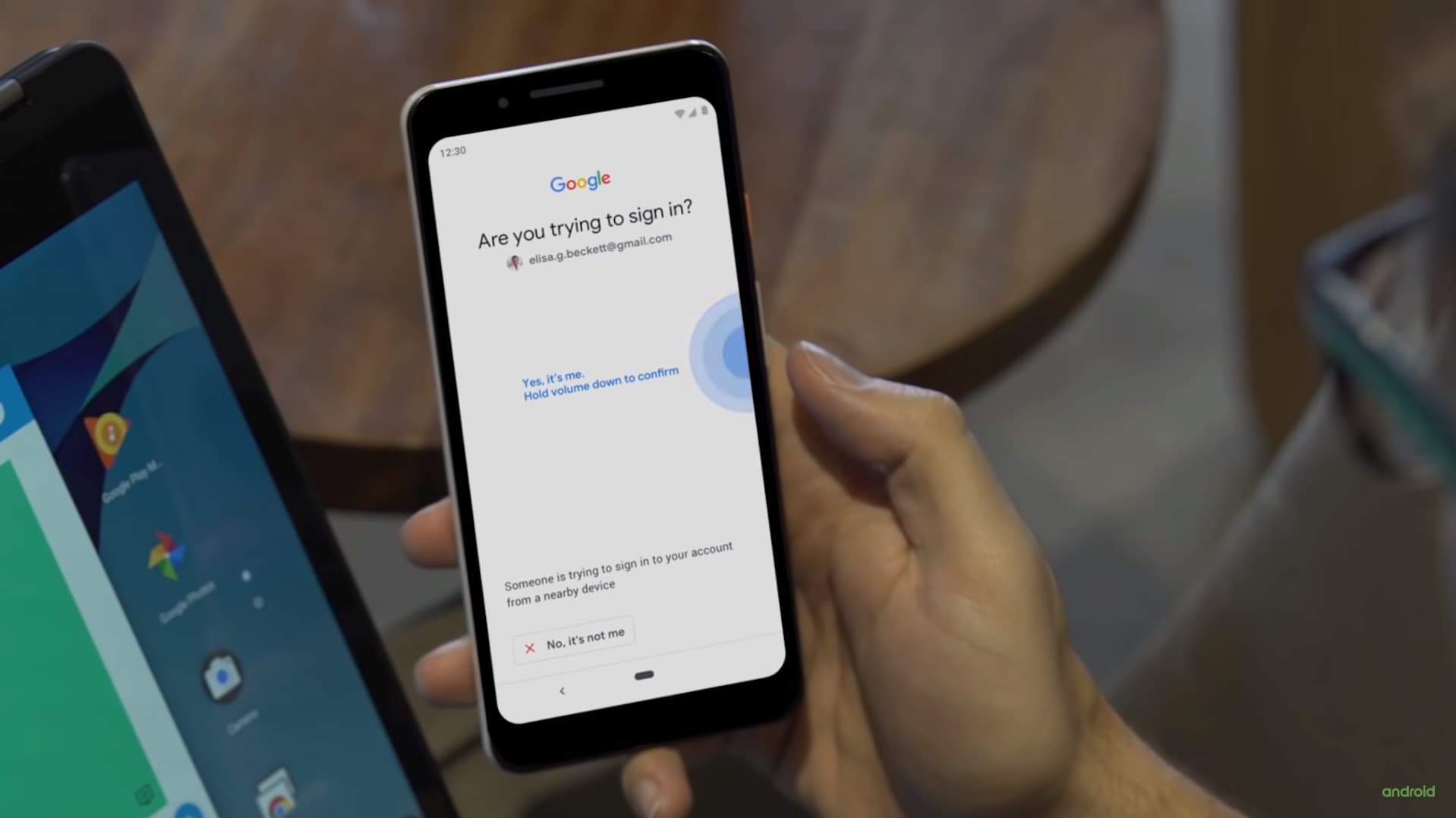
Android Phone as a Physical security key to login to Google Account
Posted inSecurity

Android Phone as a Physical security key to login to Google Account

by Sanjay Kumar MonuApril 11, 2019June 27, 2019
How to Add Public Events on Google Maps for Android
Posted inApps

How to Add Public Events on Google Maps for Android?

by Sanjay Kumar MonuMarch 26, 2019March 26, 2019
How to Increase Battery Life of Android Phones
Posted inHow To

How to Increase Battery Life of Android Phones? (The Pro Guide)

by Sanjay Kumar MonuNovember 11, 2018November 8, 2019
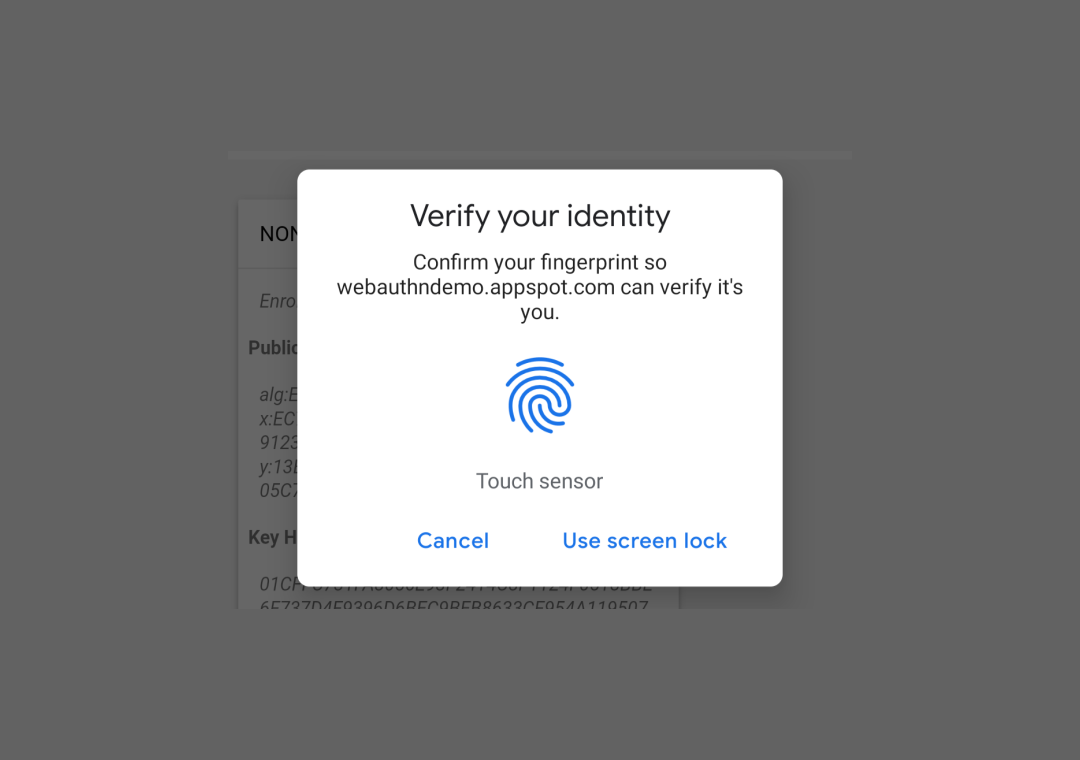
Chrome 70 Beta brings Fingerprint Authentication
Posted inInternet

Chrome 70 Beta brings Fingerprint Authentication for Android and Mac

by Sanjay Kumar MonuSeptember 14, 2018September 25, 2018
Best Game Hacking Apps for Android 2020
Posted inBest

Best Game Hacking Apps for Android 2020: A List of Top 5

by Sanjay Kumar MonuAugust 23, 2018March 7, 2020

Posts pagination

Newer posts 1 … 4 5 6 7 Older posts

Latest Article

How to Add a Border in Google Docs That Fits Your Text
How To

How to Add a Border in Google Docs That Fits Your Text

Choose a paragraph border, a table or a drawing, then check the finished page.
November 10, 2026November 10, 2026
How to Check Screen Time on Android and Read the Report
How To

How to Check Screen Time on Android and Read the Report

Find the daily view, compare the right numbers and choose one useful next step.
November 10, 2026November 10, 2026
How to Delete Bookmarks on Chrome, by Device
How To

How to Delete Bookmarks on Chrome, by Device

Find the right saved link, profile and folder before you clear your list.
November 10, 2026November 10, 2026
How to Restore Tabs on Chrome After a Restart
How To

How to Restore Tabs on Chrome After a Restart

Find the right window, closed tab or saved group before changing browser settings.
November 10, 2026November 10, 2026
Samsung Battery Protection: Choose Your Charge Limit
Phones

Samsung Battery Protection: Choose Your Charge Limit

Choose a supported limit, plan your day and understand a charging pause.
November 9, 2026November 9, 2026
  • Facebook
  • Twitter
  • Linkedin
  • Instagram
  • Google
Techchahiye

Your everyday tech guide. Clear explainers on apps, phones, plans and AI for readers in India.

Follow us

Guides

  • AI tools guide
  • WhatsApp tips
  • Social media guide
  • Mobile plans guide
  • Android and iPhone
  • Productivity apps

Sections

  • News
  • How to
  • Phones
  • Telecom
  • Security
  • Gaming

Company

  • About us
  • Contact us
  • Team
  • Privacy policy
  • Disclaimer
  • Write for us
© 2026 Techchahiye Powered by Newspack Privacy Policy