• Microblog
  • News
    • Apps
    • Gaming
    • Internet
    • Security
    • Social Networks
    • Artificial Intelligence
    • Android
  • Gear
    • Audio
    • PC
    • Phones
    • Smart Home
    • Video
  • Guide
    • AI Tools Guide
    • WhatsApp Tips
    • Social Media Guide
    • Mobile Plans Guide
    • Android & iPhone Guide
    • Productivity Apps Guide
    • How To
    • Top
    • Best
  • Telecom
    • Mobile Plans Guide
    • Jio Fiber
    • Airtel
    • 5G
    • Recharge Plans
    • BSNL
  • Aetherfor Mac
  • Apollofor iPhone & iPad
  • About Us
  • Contact Us
  • Team
  • Disclaimer
  • Careers
  • Guest Post
  • Facebook
  • Twitter
  • Linkedin
  • Instagram
  • Google
Skip to content
  • About Us
  • Contact Us
  • Team
  • Disclaimer
  • Careers
  • Guest Post
  • Facebook
  • Twitter
  • Linkedin
  • Instagram
  • Google
Techchahiye

Techchahiye

Your Everyday Tech Guide

  • News
    • Apps
    • Gaming
    • Internet
    • Security
    • Social Networks
    • Artificial Intelligence
    • Android
  • Gear
    • Audio
    • PC
    • Phones
    • Smart Home
    • Video
  • Guide
    • AI Tools Guide
    • WhatsApp Tips
    • Social Media Guide
    • Mobile Plans Guide
    • Android & iPhone Guide
    • Productivity Apps Guide
    • How To
    • Top
    • Best
  • Telecom
    • Mobile Plans Guide
    • Jio Fiber
    • Airtel
    • 5G
    • Recharge Plans
    • BSNL
  • Aetherfor Mac
  • Apollofor iPhone & iPad
  • Microblog
Subscribe
  • Primary Topics:
  • AI & ChatGPTTools & safe use
  • WhatsAppTips & privacy
  • Social mediaAccounts & safety
  • Mobile plansJio, Airtel & OTT
  • Android & iPhoneUpdates & fixes
  • Productivity appsGoogle, Excel & more
Home » OneDrive

Tag: OneDrive

OneDrive can show a file on your computer without keeping the full copy there. That is useful for space, but it makes the file’s status worth checking. This archive covers Files On-Demand and an earlier Personal Vault launch. Start with where you need the file and whether you need it without a connection.

Choose which files need a local copy

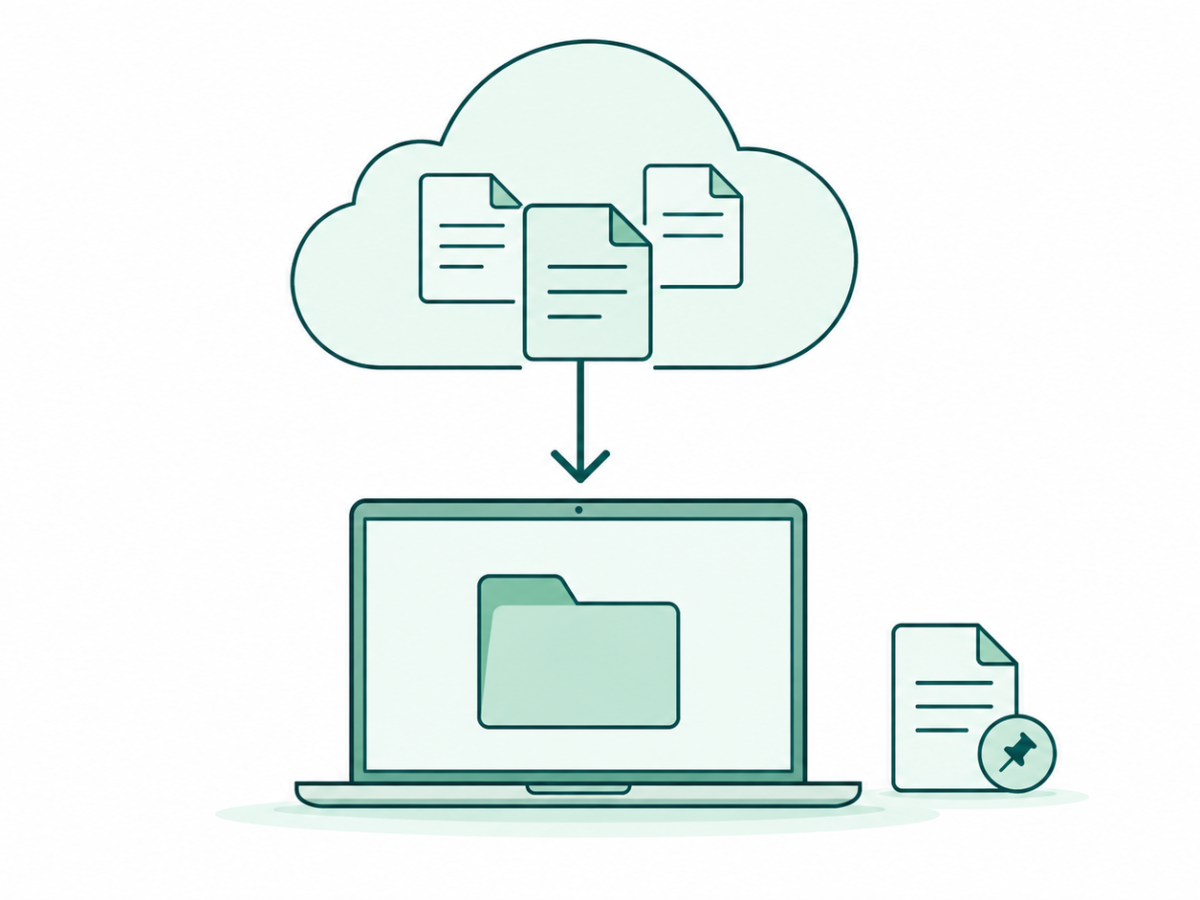
OneDrive Files On-Demand separates online-only files from files kept on the device. Microsoft’s current file-status help explains the choices. Read the status before treating every file name in a folder as proof that its contents are ready offline.

Offline files matter when you plan to work away from a connection. Choose the files you will need and confirm the result before leaving. For example, a folder name for a project is not enough if the actual document is still waiting to download.

Separate sync from a second copy

OneDrive sync concerns keeping the file setup in step across the places involved. Before cleaning up, check whether you are freeing a local copy or deleting an item. Those are different tasks. Read our guide’s status checks before choosing a command with a wider effect than you intended.

Our data backup archive adds context for keeping and recovering copies. For wider product help, browse Microsoft. A file you can see, a file you can open offline and a separate copy you can recover are three different facts to confirm.

Read Vault and sharing stories by purpose

Personal Vault appears in our earlier feature report. Use that story for its launch context, then check current vendor help for the account you have. Do not assume an old plan limit or screen applies to every current account.

Local disk space is a different concern from who can open a shared file. Our cloud file sharing collection focuses on links and access. Our Google Drive archive covers another file service. Use the OneDrive articles below to choose a specific task, check the file status and keep the copies that task needs.

Teal line art of cloud files downloading to a laptop beside a pinned offline document, with the Microsoft four-square mark.
Posted inComputing

OneDrive Files On-Demand: Free PC Space and Keep Files Offline

by Sanjay Kumar MonuOctober 26, 2026October 26, 2026

Use OneDrive Files On-Demand on Windows 11. Free local disk space, keep key files offline and understand cloud icons without deleting cloud files.

OneDrive Personal Vault
Posted inInternet

Microsoft Introduces OneDrive Personal Vault

by Sanjay Kumar MonuJune 26, 2019June 26, 2019

Latest Article

How to Add a Border in Google Docs That Fits Your Text
How To

How to Add a Border in Google Docs That Fits Your Text

Choose a paragraph border, a table or a drawing, then check the finished page.
November 10, 2026November 10, 2026
How to Check Screen Time on Android and Read the Report
How To

How to Check Screen Time on Android and Read the Report

Find the daily view, compare the right numbers and choose one useful next step.
November 10, 2026November 10, 2026
How to Delete Bookmarks on Chrome, by Device
How To

How to Delete Bookmarks on Chrome, by Device

Find the right saved link, profile and folder before you clear your list.
November 10, 2026November 10, 2026
How to Restore Tabs on Chrome After a Restart
How To

How to Restore Tabs on Chrome After a Restart

Find the right window, closed tab or saved group before changing browser settings.
November 10, 2026November 10, 2026
Samsung Battery Protection: Choose Your Charge Limit
Phones

Samsung Battery Protection: Choose Your Charge Limit

Choose a supported limit, plan your day and understand a charging pause.
November 9, 2026November 9, 2026
  • Facebook
  • Twitter
  • Linkedin
  • Instagram
  • Google
Techchahiye

Your everyday tech guide. Clear explainers on apps, phones, plans and AI for readers in India.

Follow us

Guides

  • AI tools guide
  • WhatsApp tips
  • Social media guide
  • Mobile plans guide
  • Android and iPhone
  • Productivity apps

Sections

  • News
  • How to
  • Phones
  • Telecom
  • Security
  • Gaming

Company

  • About us
  • Contact us
  • Team
  • Privacy policy
  • Disclaimer
  • Write for us
© 2026 Techchahiye Powered by Newspack Privacy Policy