• Microblog
  • News
    • Apps
    • Gaming
    • Internet
    • Security
    • Social Networks
    • Artificial Intelligence
    • Android
  • Gear
    • Audio
    • PC
    • Phones
    • Smart Home
    • Video
  • Guide
    • AI Tools Guide
    • WhatsApp Tips
    • Social Media Guide
    • Mobile Plans Guide
    • Android & iPhone Guide
    • Productivity Apps Guide
    • How To
    • Top
    • Best
  • Telecom
    • Mobile Plans Guide
    • Jio Fiber
    • Airtel
    • 5G
    • Recharge Plans
    • BSNL
  • Aetherfor Mac
  • Apollofor iPhone & iPad
  • About Us
  • Contact Us
  • Team
  • Disclaimer
  • Careers
  • Guest Post
  • Facebook
  • Twitter
  • Linkedin
  • Instagram
  • Google
Skip to content
  • About Us
  • Contact Us
  • Team
  • Disclaimer
  • Careers
  • Guest Post
  • Facebook
  • Twitter
  • Linkedin
  • Instagram
  • Google
Techchahiye

Techchahiye

Your Everyday Tech Guide

  • News
    • Apps
    • Gaming
    • Internet
    • Security
    • Social Networks
    • Artificial Intelligence
    • Android
  • Gear
    • Audio
    • PC
    • Phones
    • Smart Home
    • Video
  • Guide
    • AI Tools Guide
    • WhatsApp Tips
    • Social Media Guide
    • Mobile Plans Guide
    • Android & iPhone Guide
    • Productivity Apps Guide
    • How To
    • Top
    • Best
  • Telecom
    • Mobile Plans Guide
    • Jio Fiber
    • Airtel
    • 5G
    • Recharge Plans
    • BSNL
  • Aetherfor Mac
  • Apollofor iPhone & iPad
  • Microblog
Subscribe
  • Primary Topics:
  • AI & ChatGPTTools & safe use
  • WhatsAppTips & privacy
  • Social mediaAccounts & safety
  • Mobile plansJio, Airtel & OTT
  • Android & iPhoneUpdates & fixes
  • Productivity appsGoogle, Excel & more
Home » Google Docs » Page 2

Tag: Google Docs

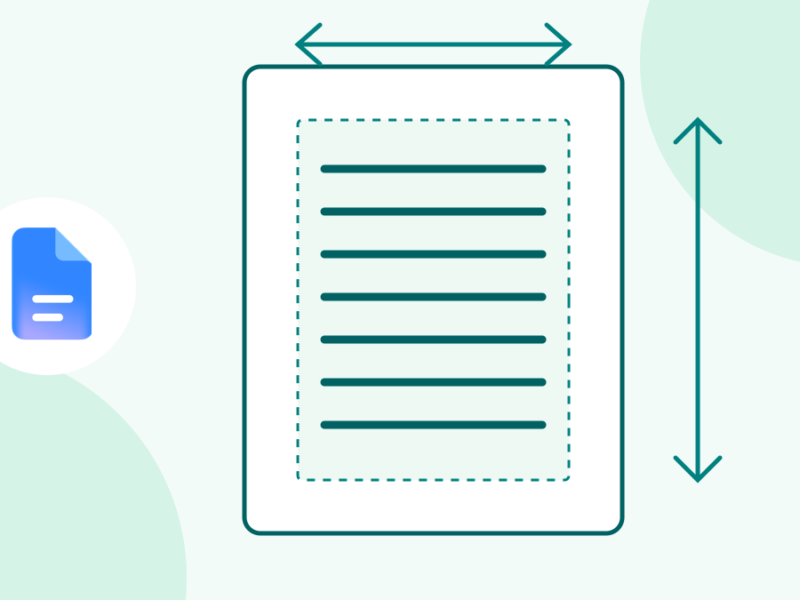
Original teal line art of a document with margin boundaries and unnumbered measuring arrows beside the genuine Google Docs icon.
Posted inHow To

How to Change Margins in Google Docs With Less Rework

by Sanjay Kumar MonuNovember 5, 2026November 5, 2026
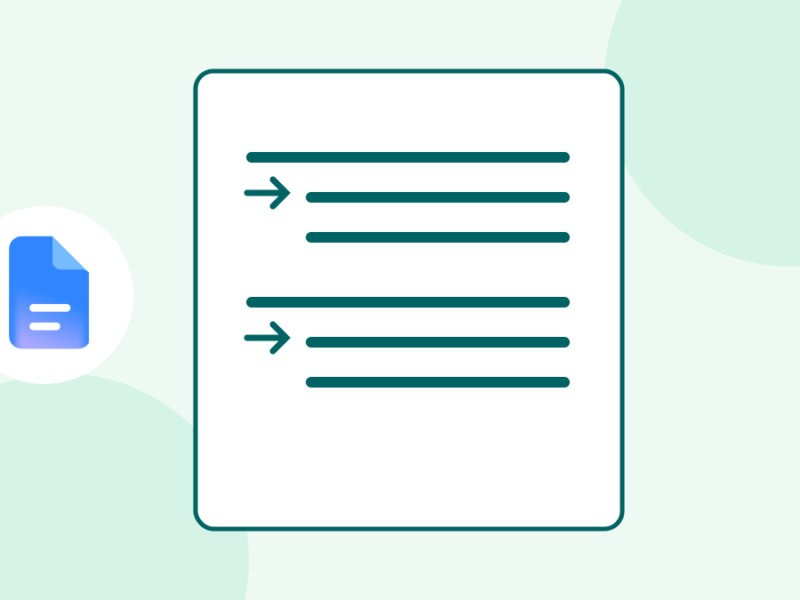
Original teal line art of two paragraphs with later lines indented, beside the genuine Google Docs icon.
Posted inHow To

Hanging Indent in Google Docs: Format References That Stay Neat

by Sanjay Kumar MonuNovember 3, 2026November 3, 2026
How to Insert Watermarks in Google Docs?
Posted inHow To

How to Insert Watermarks in Google Docs?

by Sanjay Kumar MonuDecember 25, 2021December 25, 2021
Change Google Docs Default Font
Posted inGoogle

Google Docs Canvas Based Rendering Explained in Detail

by Sanjay Kumar MonuMay 15, 2021May 15, 2021
Change Google Docs Default Font
Posted inApps

How to Chat in Google Docs? A Step by Step Guide

by Sanjay Kumar MonuJanuary 31, 2021January 31, 2021
Third Party Addons are now available in Google Docs, Sheets, and Slides
Posted inApps

Third Party Addons are now available in Google Docs, Sheets, and Slides

by Sanjay Kumar MonuOctober 22, 2020February 18, 2021

Posts pagination

Newer posts 1 2 3 4 5 Older posts

Latest Article

How to Turn Off Auto Caps in Google Docs Without Changing Every Word
How To

How to Turn Off Auto Caps in Google Docs Without Changing Every Word

Stop unwanted capital letters while keeping the correction tools you still need.
November 6, 2026November 6, 2026
How to Use Voice Typing in Google Docs and Fix Missed Words
How To

How to Use Voice Typing in Google Docs and Fix Missed Words

Start a spoken draft, check microphone access and review the words that matter.
November 6, 2026November 6, 2026
Make Google Docs Available Offline Before You Need It
How To

Make Google Docs Available Offline Before You Need It

Prepare the right device and account, check files and confirm the return to online work.
November 6, 2026November 6, 2026
WhatsApp Disappearing Messages: Choose the Right Timer
Apps

WhatsApp Disappearing Messages: Choose the Right Timer

Set the right chat or default timer, understand group rules and check the limits of expiry.
November 6, 2026November 6, 2026
How to Turn On Dark Mode in Google Docs by Device
How To

How to Turn On Dark Mode in Google Docs by Device

Choose a mobile theme and understand browser appearance, page color, and light preview.
November 6, 2026November 6, 2026
  • Facebook
  • Twitter
  • Linkedin
  • Instagram
  • Google
Techchahiye

Your everyday tech guide. Clear explainers on apps, phones, plans and AI for readers in India.

Follow us

Guides

  • AI tools guide
  • WhatsApp tips
  • Social media guide
  • Mobile plans guide
  • Android and iPhone
  • Productivity apps

Sections

  • News
  • How to
  • Phones
  • Telecom
  • Security
  • Gaming

Company

  • About us
  • Contact us
  • Team
  • Privacy policy
  • Disclaimer
  • Write for us
© 2026 Techchahiye Powered by Newspack Privacy Policy