• Microblog
  • News
    • Apps
    • Gaming
    • Internet
    • Security
    • Social Networks
    • Artificial Intelligence
    • Android
  • Gear
    • Audio
    • PC
    • Phones
    • Smart Home
    • Video
  • Guide
    • AI Tools Guide
    • WhatsApp Tips
    • Social Media Guide
    • Mobile Plans Guide
    • Android & iPhone Guide
    • Productivity Apps Guide
    • How To
    • Top
    • Best
  • Telecom
    • Mobile Plans Guide
    • Jio Fiber
    • Airtel
    • 5G
    • Recharge Plans
    • BSNL
  • Aetherfor Mac
  • Apollofor iPhone & iPad
  • About Us
  • Contact Us
  • Team
  • Disclaimer
  • Careers
  • Guest Post
  • Facebook
  • Twitter
  • Linkedin
  • Instagram
  • Google
Skip to content
  • About Us
  • Contact Us
  • Team
  • Disclaimer
  • Careers
  • Guest Post
  • Facebook
  • Twitter
  • Linkedin
  • Instagram
  • Google
Techchahiye

Techchahiye

Your Everyday Tech Guide

  • News
    • Apps
    • Gaming
    • Internet
    • Security
    • Social Networks
    • Artificial Intelligence
    • Android
  • Gear
    • Audio
    • PC
    • Phones
    • Smart Home
    • Video
  • Guide
    • AI Tools Guide
    • WhatsApp Tips
    • Social Media Guide
    • Mobile Plans Guide
    • Android & iPhone Guide
    • Productivity Apps Guide
    • How To
    • Top
    • Best
  • Telecom
    • Mobile Plans Guide
    • Jio Fiber
    • Airtel
    • 5G
    • Recharge Plans
    • BSNL
  • Aetherfor Mac
  • Apollofor iPhone & iPad
  • Microblog
Subscribe
  • Primary Topics:
  • AI & ChatGPTTools & safe use
  • WhatsAppTips & privacy
  • Social mediaAccounts & safety
  • Mobile plansJio, Airtel & OTT
  • Android & iPhoneUpdates & fixes
  • Productivity appsGoogle, Excel & more
Home » Apple

Tag: Apple

Apple devices share familiar names and services, but a guide for one model may not fit another. This archive connects our practical phone and computer guides with earlier product news. Use it to choose the device, software and task you mean before following a screenshot or comparing an older launch price.

Choose the device before the guide

For phone settings, travel clocks and privacy topics, start with iPhone. For storage, displays, keyboards and battery questions, browse Mac computers. The iPad page groups our tablet launch coverage and explains why the model name and generation matter.

A shared brand does not make every device behave in the same way. A phone app, a tablet app and a computer app can have different menus. Check the platform named in a guide before expecting a setting to appear in exactly the same place.

Read software and hardware questions separately

Apple software changes can affect settings, app support and the steps shown in an older article. Our iOS archive focuses on mobile software releases. A launch report explains what was announced then; it is not a promise that an older device supports every later feature.

Hardware guides ask different questions. Before connecting a display or comparing battery information, identify the model you own. Apple’s battery cycle guide, for example, explains that cycle limits vary by Mac model. A number copied from another model may not be the right comparison for yours.

Start with a useful outcome

Apple services and account tools can be part of a task, but first state what you want to do. Freeing storage, sharing access to an item and preparing a device for someone else are different jobs. Choose the matching guide and check what data or access will change.

The articles below include practical help, past software news and old product announcements. Keep the date, country and model attached to any price or feature claim. That makes the archive useful for understanding a change without turning yesterday’s report into a current buying recommendation.

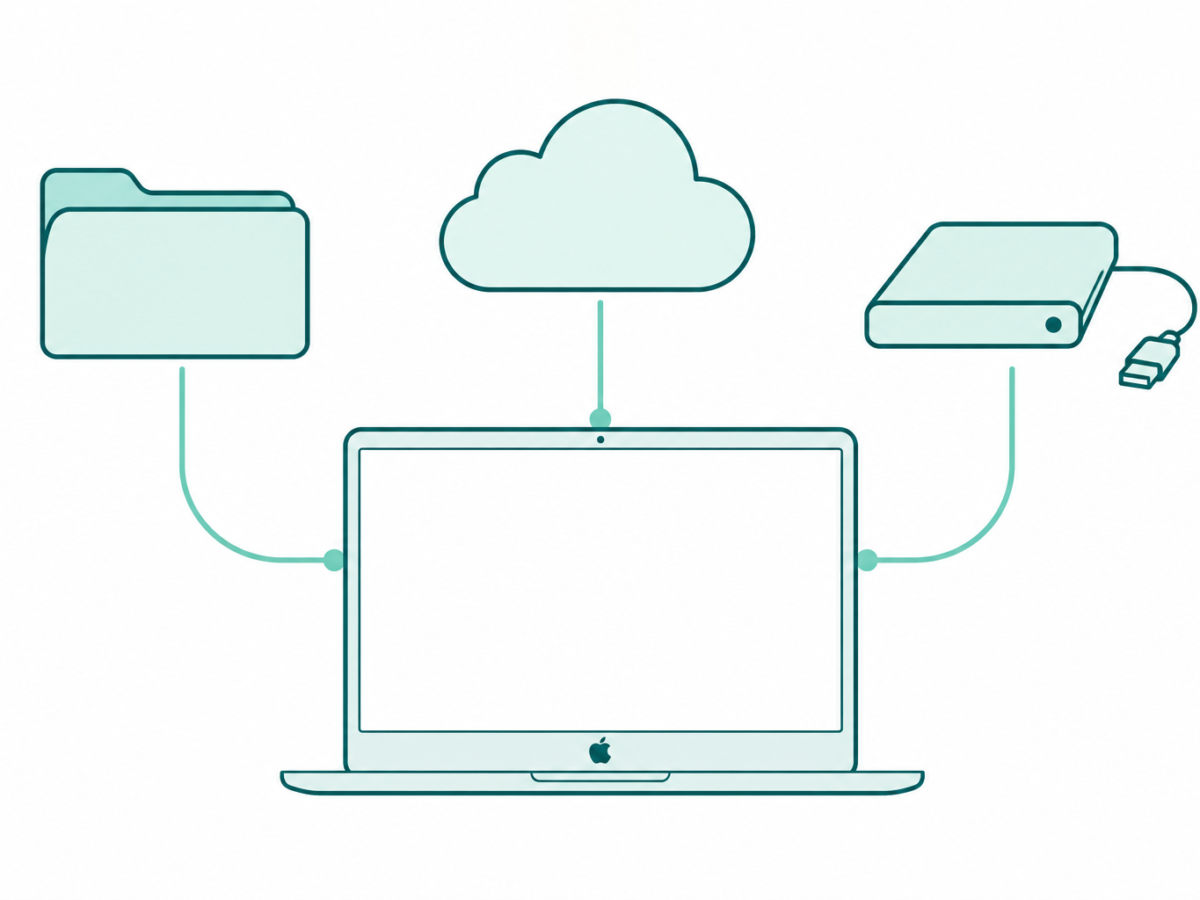
Original teal line art of a laptop linked to folder, cloud, and external drive symbols
Posted inComputing

Free Up Space on Mac: Choose What to Keep, Move or Remove

by Sanjay Kumar MonuOctober 30, 2026October 30, 2026

Free up space on Mac with Apple’s native storage tools. Review downloads, external copies, iCloud downloads, Photos libraries, System Data, and Trash.

Original teal line art of a laptop connected by a video cable to a larger display on a desk
Posted inComputing

Connect a MacBook Pro to a Monitor: Check the Chip and Cable

by Sanjay Kumar MonuOctober 30, 2026October 30, 2026
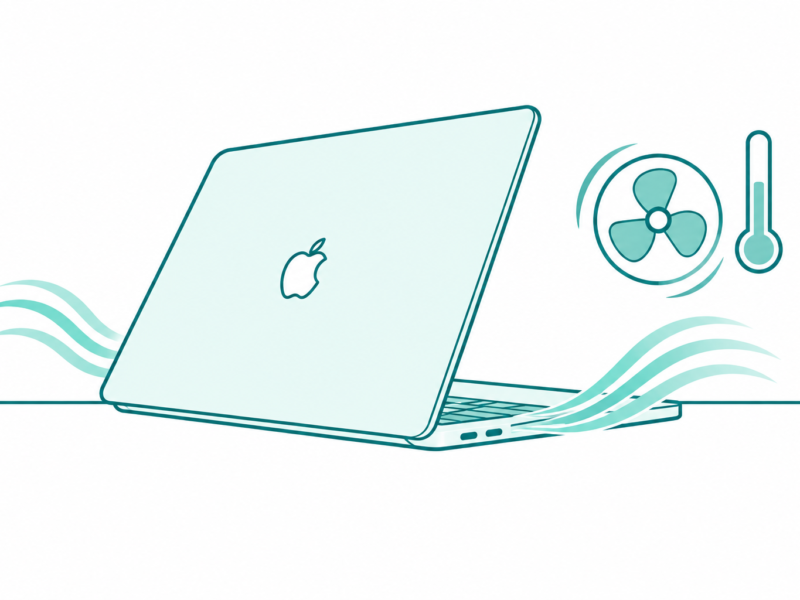
Original teal line art of a laptop on a desk with airflow curves, a fan symbol, and an ambient thermometer
Posted inComputing

MacBook Pro Overheating? Check Airflow, Workload and Fan Behavior

by Sanjay Kumar MonuOctober 30, 2026October 30, 2026
Teal line art of a MacBook keyboard under a magnifying glass, with a separate wired keyboard nearby
Posted inComputing

MacBook Pro Keyboard Not Working? Find the Failing Step

by Sanjay Kumar MonuOctober 30, 2026October 30, 2026
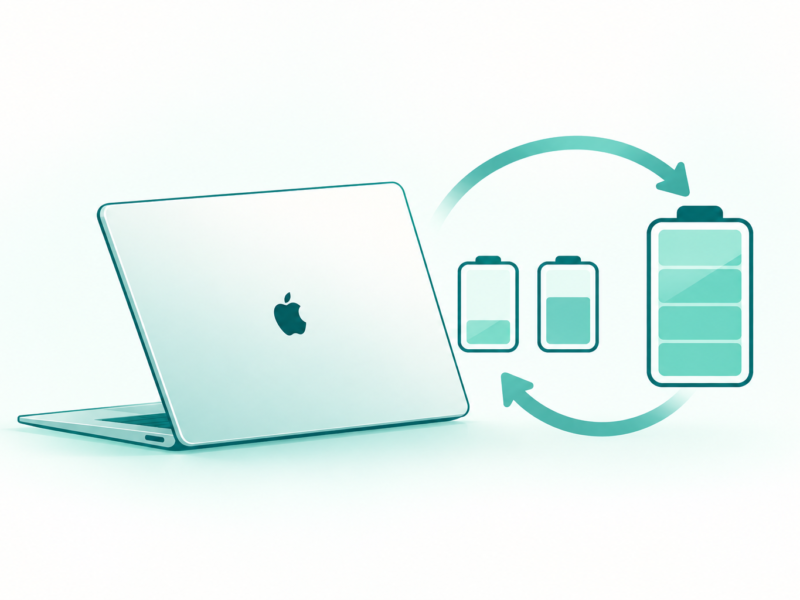
Teal line art of a MacBook, a battery, and a looping arrow that suggests repeated energy use
Posted inComputing

MacBook Battery Cycle Count: Read It Alongside Battery Health

by Sanjay Kumar MonuOctober 30, 2026October 30, 2026
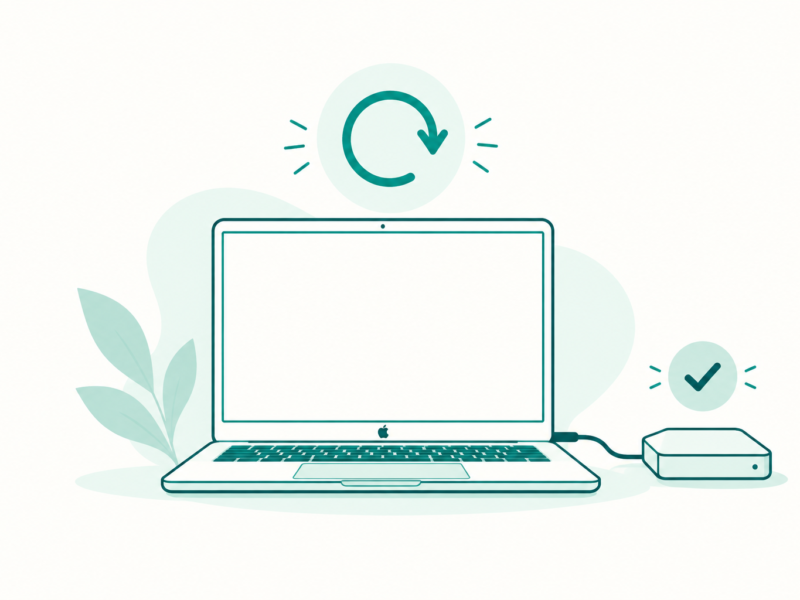
Teal line art of a MacBook, reset arrow, and external backup drive with a check mark
Posted inComputing

Factory Reset MacBook Pro: Choose the Right Erase Method

by Sanjay Kumar MonuOctober 30, 2026October 30, 2026

Posts pagination

1 2 3 … 5 Older posts

Latest Article

How to Add a Border in Google Docs That Fits Your Text
How To

How to Add a Border in Google Docs That Fits Your Text

Choose a paragraph border, a table or a drawing, then check the finished page.
November 10, 2026November 10, 2026
How to Check Screen Time on Android and Read the Report
How To

How to Check Screen Time on Android and Read the Report

Find the daily view, compare the right numbers and choose one useful next step.
November 10, 2026November 10, 2026
How to Delete Bookmarks on Chrome, by Device
How To

How to Delete Bookmarks on Chrome, by Device

Find the right saved link, profile and folder before you clear your list.
November 10, 2026November 10, 2026
How to Restore Tabs on Chrome After a Restart
How To

How to Restore Tabs on Chrome After a Restart

Find the right window, closed tab or saved group before changing browser settings.
November 10, 2026November 10, 2026
Samsung Battery Protection: Choose Your Charge Limit
Phones

Samsung Battery Protection: Choose Your Charge Limit

Choose a supported limit, plan your day and understand a charging pause.
November 9, 2026November 9, 2026
  • Facebook
  • Twitter
  • Linkedin
  • Instagram
  • Google
Techchahiye

Your everyday tech guide. Clear explainers on apps, phones, plans and AI for readers in India.

Follow us

Guides

  • AI tools guide
  • WhatsApp tips
  • Social media guide
  • Mobile plans guide
  • Android and iPhone
  • Productivity apps

Sections

  • News
  • How to
  • Phones
  • Telecom
  • Security
  • Gaming

Company

  • About us
  • Contact us
  • Team
  • Privacy policy
  • Disclaimer
  • Write for us
© 2026 Techchahiye Powered by Newspack Privacy Policy