
Adding into WhatsApp Group now requires permission. The Instant Messaging app rolls out a new option enabling which requires anyone to take permission from you before adding you to a group. Earlier anyone could add you to a WhatsApp Group without your consent. You can find this new option called Groups in the Privacy section […]
Tag: WhatsApp Group
A WhatsApp Group can keep a family, team or circle of friends in one chat. It can also become noisy when people join without warning or a call starts at the wrong time. This page brings together our coverage of group access and calling, so you can understand the choices behind those shared chats.
Choose who can bring you into a chat
Start with WhatsApp group privacy when unwanted invitations are the problem. WhatsApp’s official privacy overview confirms that you can choose who can add you to groups. That choice is different from deciding what an existing group discusses. A quieter chat and a tighter invitation rule solve different problems.
Our report on WhatsApp group invitations explains the change that introduced more control over being added. Read it as a dated announcement, then compare the options with the app on your phone. For that specific topic, the WhatsApp group permissions archive keeps the invitation story in one place.
Understand calls and shared messages
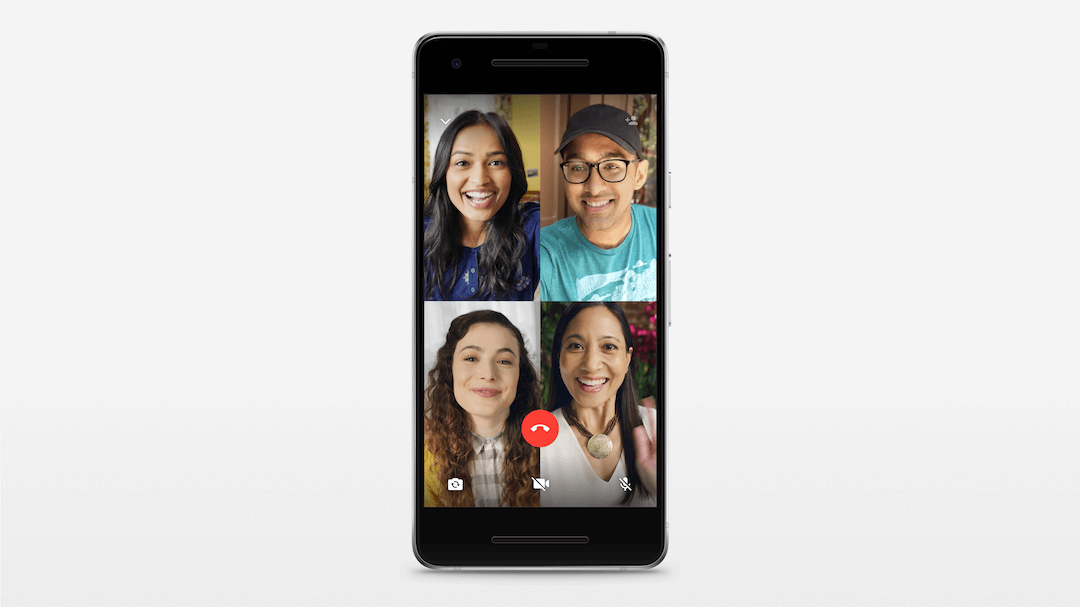
WhatsApp group calls let several people speak in the same conversation. Our articles cover the arrival of group voice and video calls, plus a later change to the calling flow. The WhatsApp group calling page narrows the focus to that call experience. Older screenshots may show a layout that has since changed.
Think about the purpose of a chat before changing WhatsApp group settings. A school planning group may need clear rules about when to post. A family chat may need fewer rules and more flexibility. These are examples of group habits, rather than features that the app enforces for you.
WhatsApp group admins and members also have different roles. Before asking an admin to change something, name the problem: an unwanted member, too many alerts or a missed call. That makes it easier to find the right setting instead of changing several things at once.
Find the right next step
For questions beyond WhatsApp group messages, visit our main WhatsApp archive. It connects group coverage with account, backup and privacy guides. Browse the articles below for the original reports, check their dates, and use current in-app help when a menu no longer matches an old image.